🛡️ Windows 11 PCI-DSS Hardening
Updated: February 21, 2026
TL;DR: In under two days, I locked down a Windows 11 workstation: full disk encryption, antivirus/EDR, patch automation, outbound monitoring, and an evidence pack. Shows I can make endpoints compliance-ready and prove it to auditors. Outcome: PCI-aligned endpoint in <48 hours with evidence logged.
Target roles: Security Compliance Analyst/Engineer, Endpoint Security Engineer (Compliance), Cloud Security Engineer (GRC focus).
“Hardening endpoints to meet compliance isn’t optional — it’s foundational.”
This project documents a complete Windows 11 system lockdown to achieve PCI DSS alignment after discovering a production mortgage workstation left unsecured with previous-user credentials and unencrypted client data.
The hardening process demonstrates practical application of compliance principles for endpoint protection, access control, malware defense, and audit traceability.
⚙️ 1. Baseline Configuration
- Installed Windows 11 Home 64-bit on a clean SSD.
- Verified Secure Boot, TPM 2.0, and UEFI mode enabled.
- Created local admin (
AdminLocal) with unique credentials. - Removed all bloatware and unnecessary startup apps.
- Installed Macrium Reflect Free to create an encrypted baseline image.
Figure: Verified partition and UEFI configuration ensuring hardware root-of-trust.
🔒 2. Endpoint Protection Layers
| Layer | Tool | Purpose |
|---|---|---|
| Primary AV | Microsoft Defender | Real-time monitoring, ransomware protection, SmartScreen |
| Secondary AV | Malwarebytes Free | Rootkit, archive, and heuristic AI detection |
| Patch Mgmt | Patch My PC | Application update automation |
| Network Monitor | GlassWire Free | Behavioral network analytics and connection logging |
A full Malwarebytes scan quarantined 2048 PUPs from legacy profiles — all isolated and removed before imaging.
Figure: Threat-removal confirmation prior to reboot and verification.
🧱 3. Windows Security Controls
- All firewall profiles (Domain/Private/Public) enabled
- Smart App Control active; Defender intelligence up-to-date
- Ransomware Protection configured via OneDrive fallback
- Quick Scan validated system integrity post-cleanup
Figure: Windows Security dashboard showing no current threats and synchronized intelligence feed.
🧩 4. Logging & Audit Configuration
- Created custom Event Viewer → PCI Audit View for:
- Logons (4624 / 4634 / 4672 / 4688)
- Security state changes (4616)
- Defender operations (1000 – 1118)
- Expanded log size → 51 MB, manual clear policy
- Enabled both Audit Success and Audit Failure
Figure: XML filter configuration for PCI Audit View in Event Viewer.
🌐 5. Network & Patch Management
- GlassWire deployed for traffic visibility
- Validated DNS, HTTPS, and update telemetry only — no rogue connections
- Patch My PC verified all third-party software current
- Windows Update automated via Broad Channel
Figure: GlassWire traffic analyzer confirming secure outbound telemetry.
📦 6. System Imaging & Recovery
- Performed clean image capture via Macrium Reflect Free
- Verified partitions and backup integrity before release
- Image stored on encrypted USB SSD with checksum log
Figure: Macrium Reflect image validation showing UEFI and data volumes.
🔍 7. Verification & Validation
| Test | Result |
|---|---|
| Defender scan | ✅ 0 threats |
| Malwarebytes rescan | ✅ Clean |
| Firewall check | ✅ All profiles active |
| Event Viewer audit | ✅ Operational |
| Patch My PC | ✅ All apps current |
🔗 Control mapping (CIS/NIST snippets)
| Area | What was implemented | CIS v8 | NIST 800-53 |
|---|---|---|---|
| Data-at-rest | BitLocker enabled, protector validated | 4.1 | MP-4, SC-28 |
| Boot integrity | Secure Boot verified | 4.11 | SI-7 |
| Host firewall | All profiles on; outbound monitoring via GlassWire | 4.4 | SC-7 |
| Accounts | Local admins enumerated; bloat removed | 5.1, 5.3 | AC-2, AC-6 |
| Logging | PCI Audit View with key event IDs | 8.2 | AU-2, AU-12 |
| Time integrity | NTP/time sync verified | 8.5 | AU-8 |
| Endpoint protection | Defender + Malwarebytes | 10.1, 10.6 | SI-3, SI-4 |
🖼️ Evidence Gallery
Below is a verified visual audit of each configuration stage.
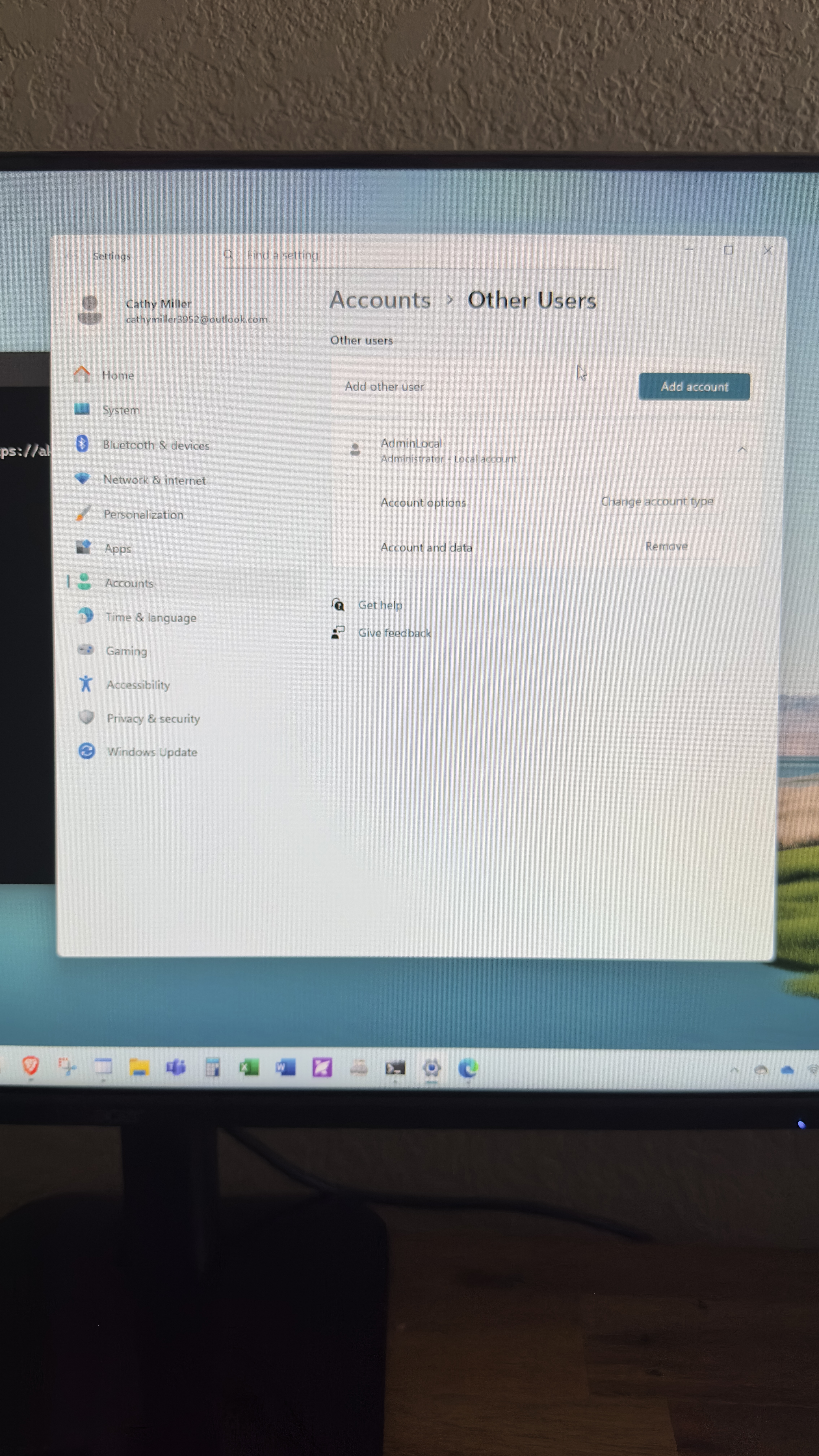
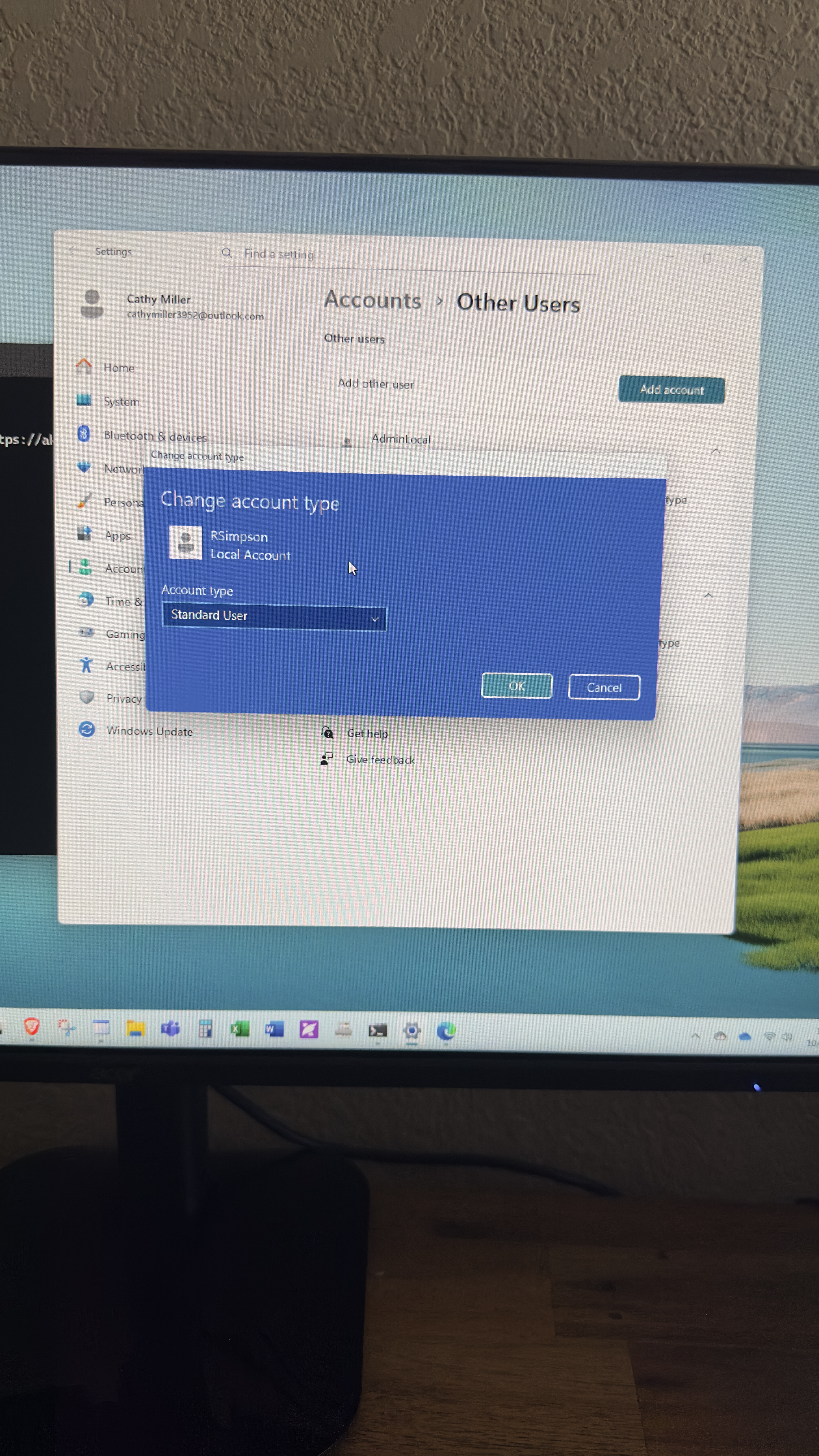
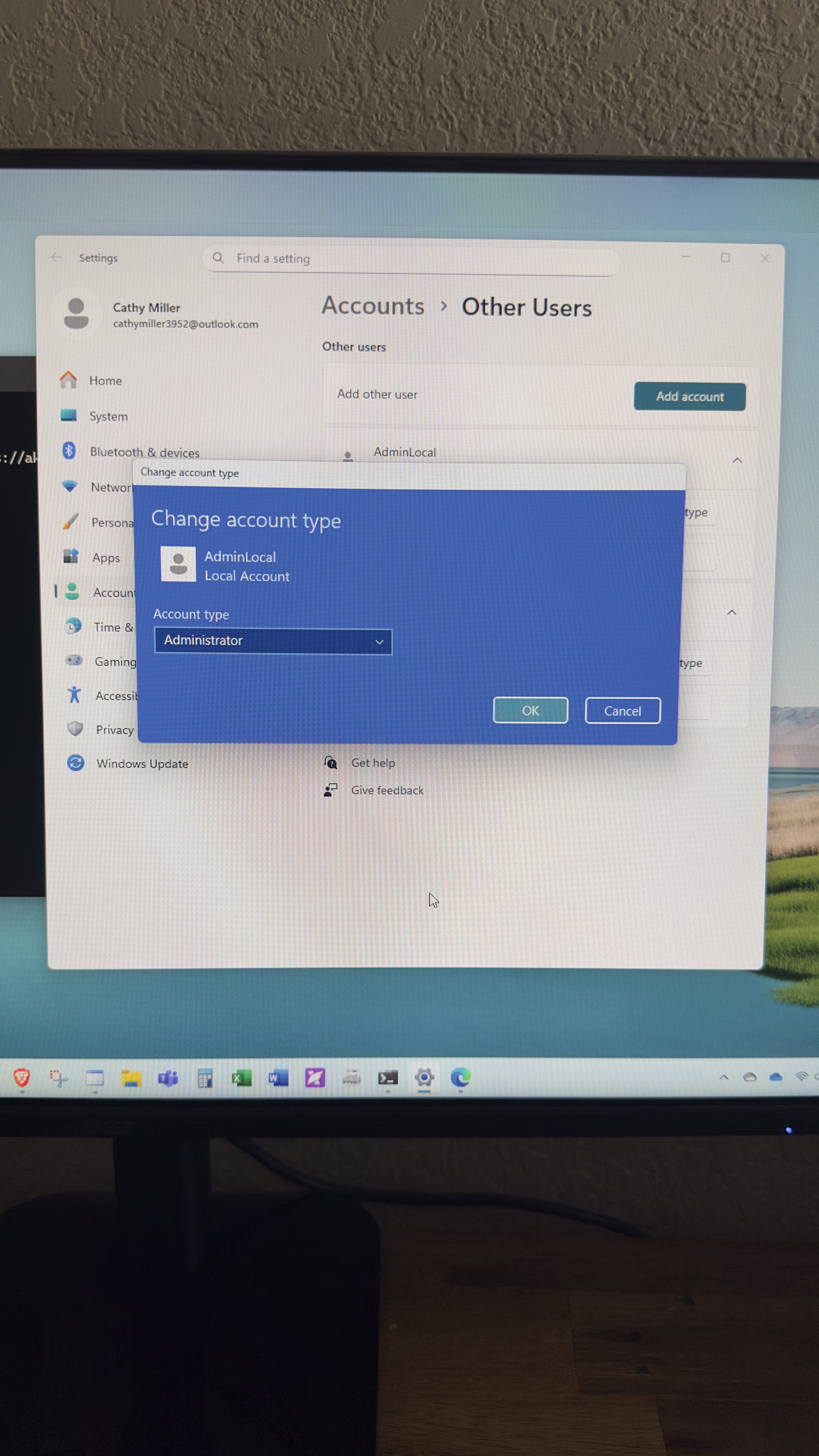
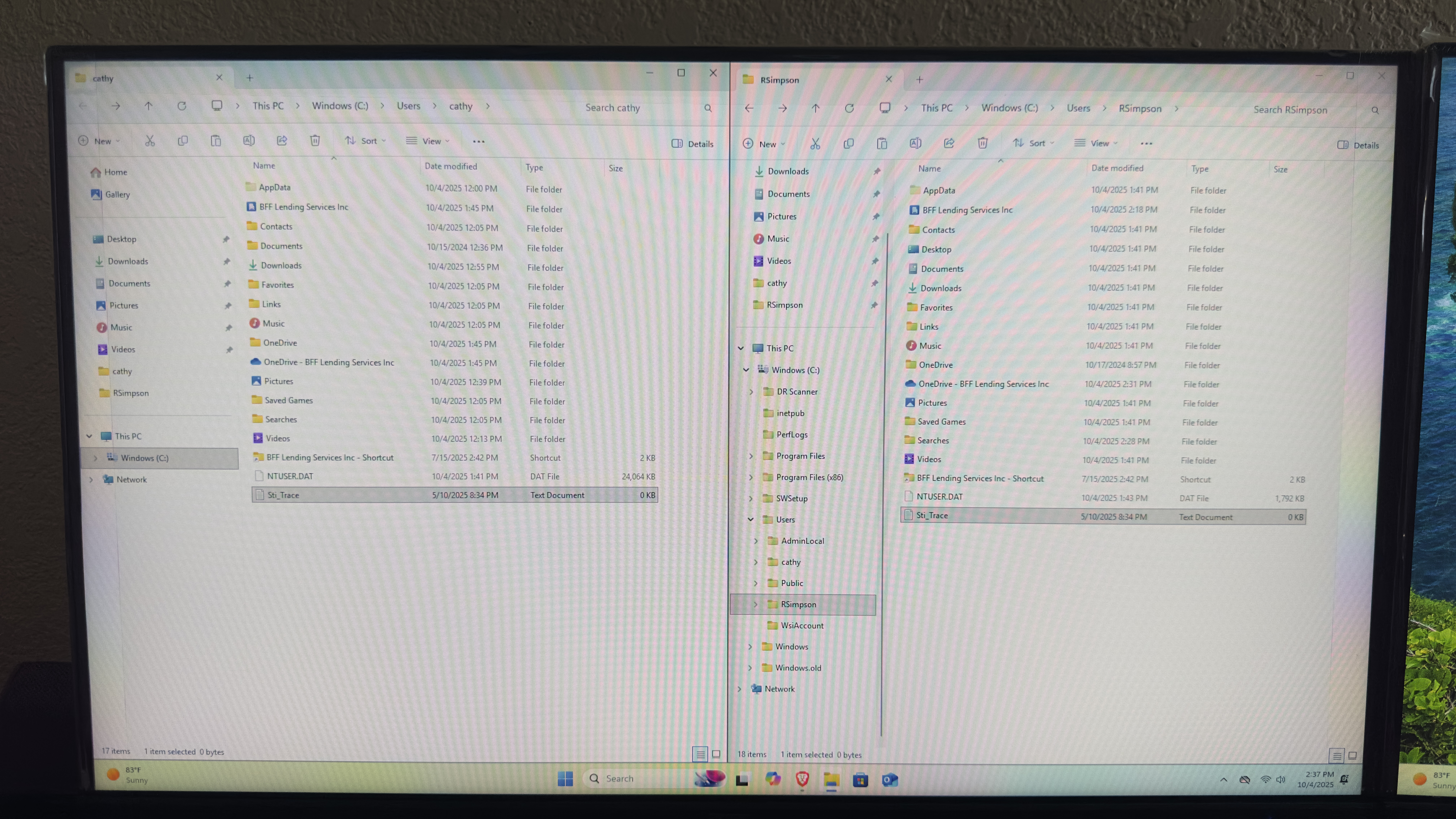
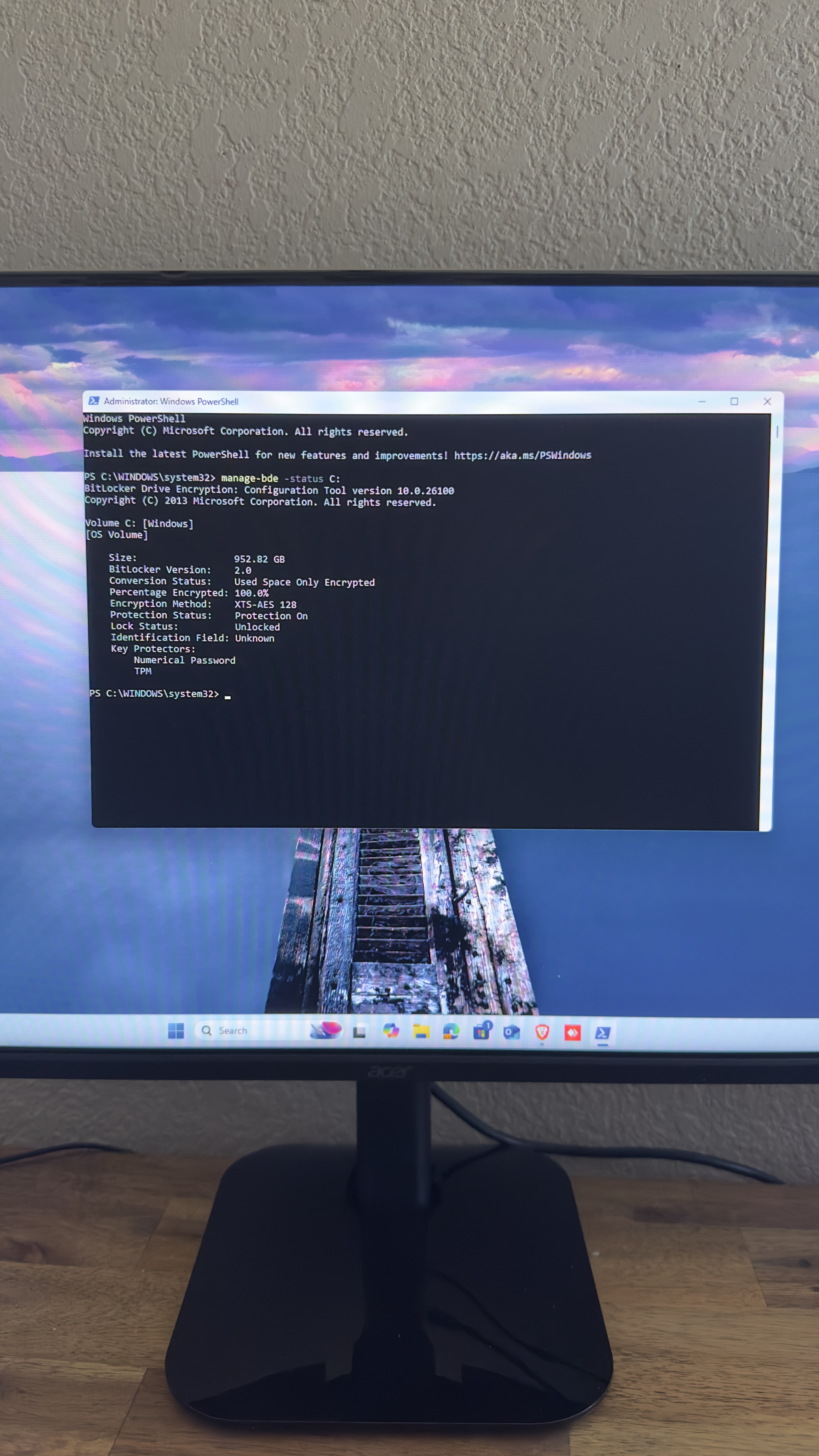
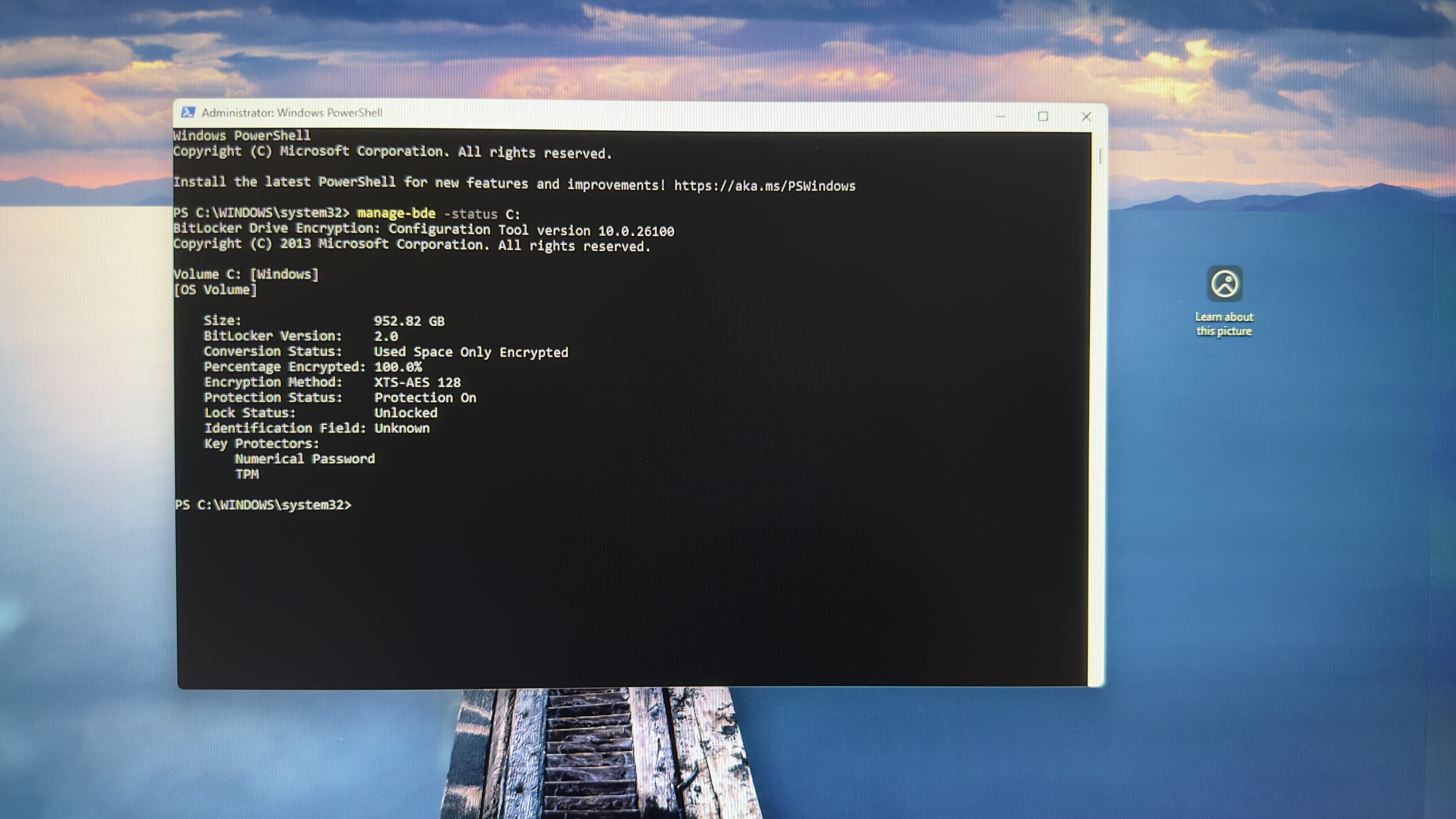
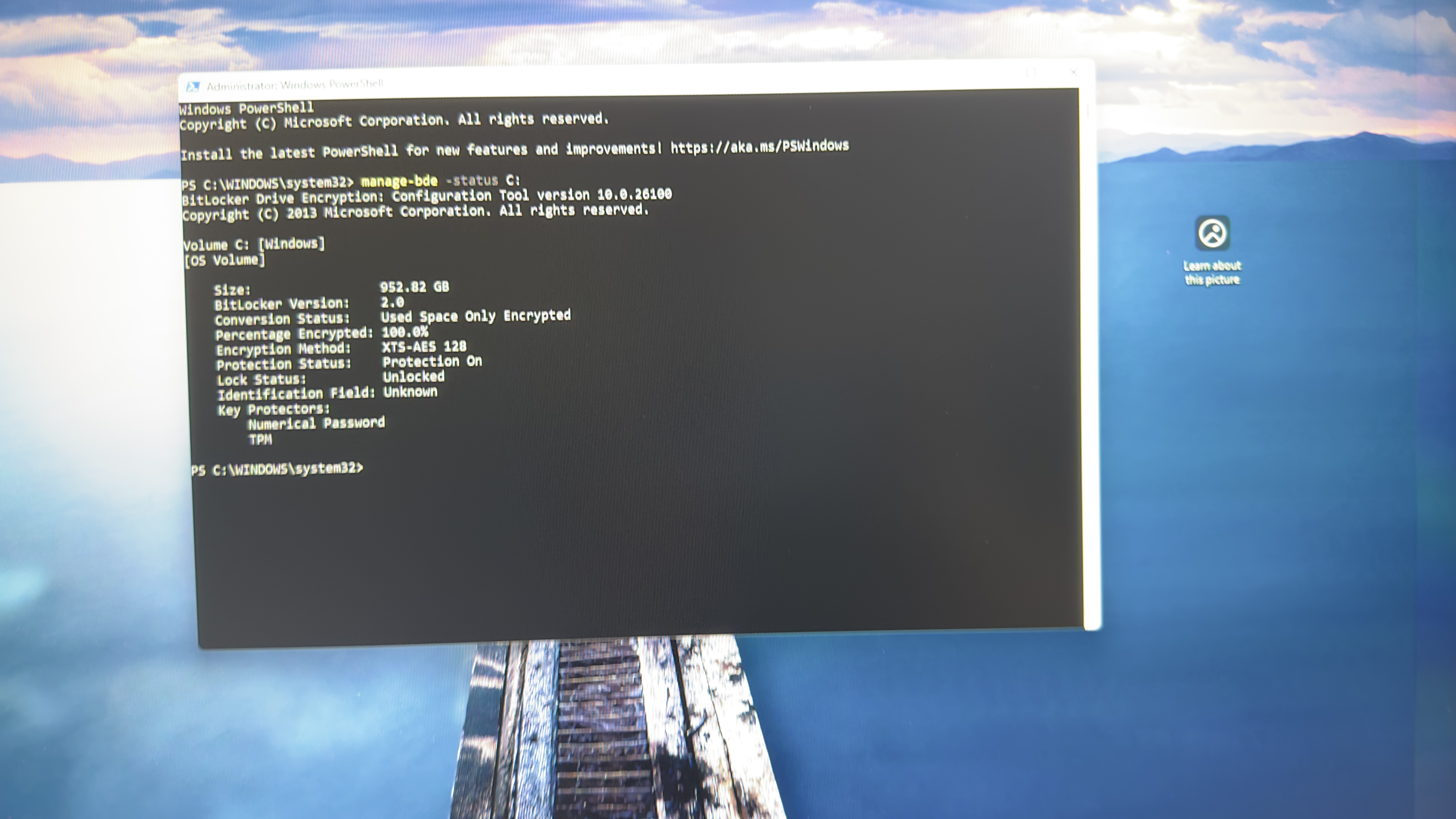
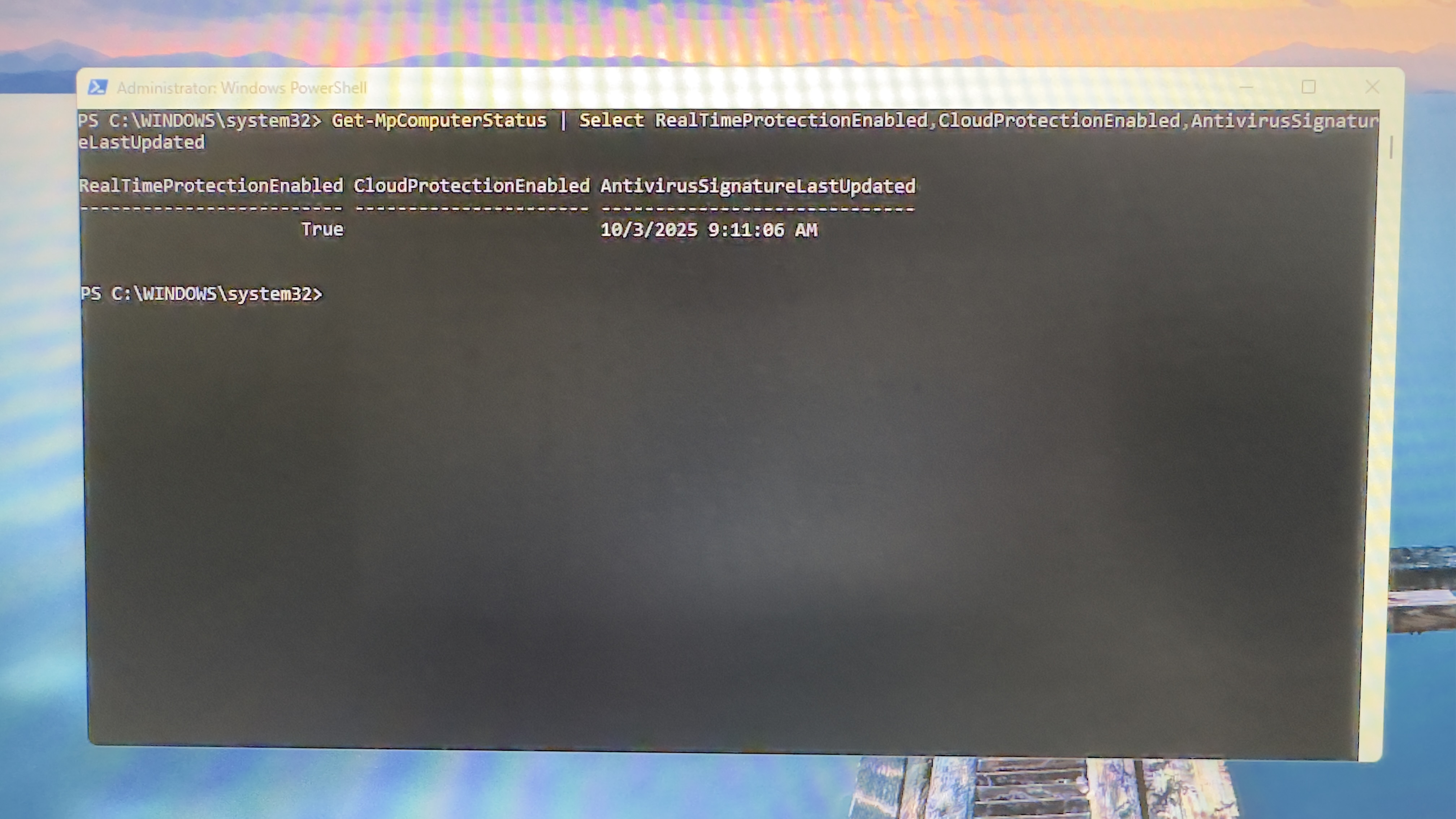
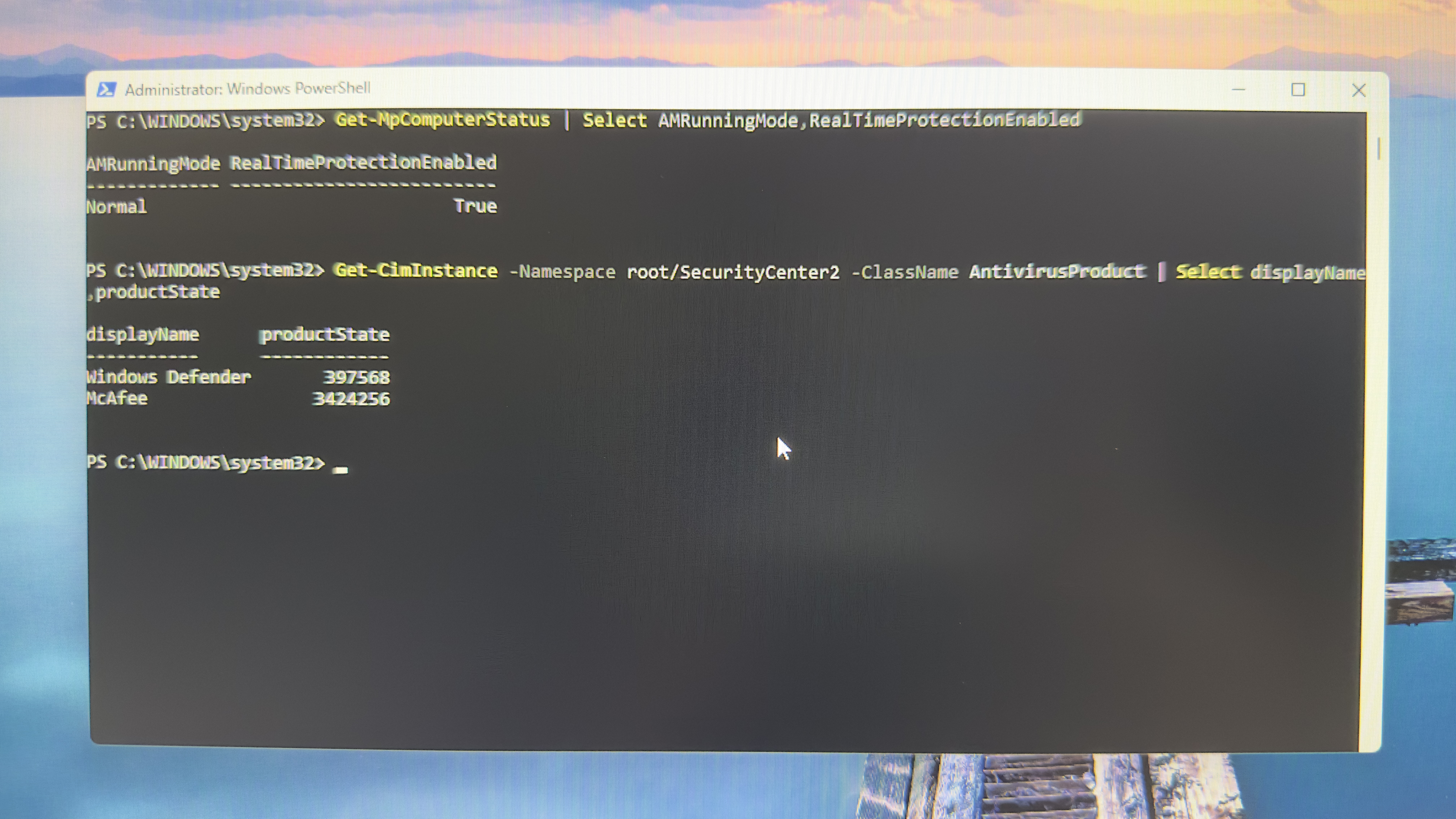
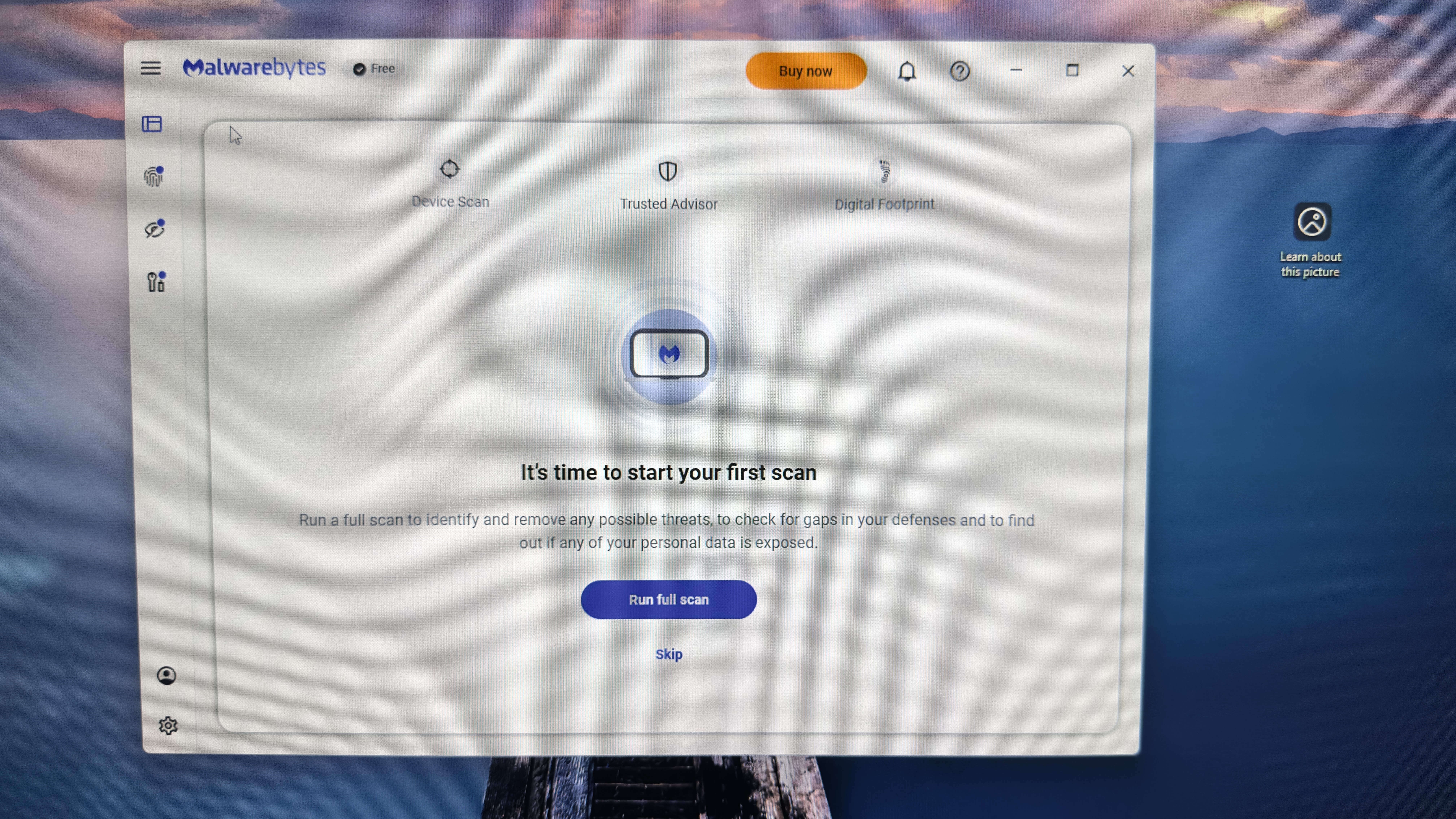
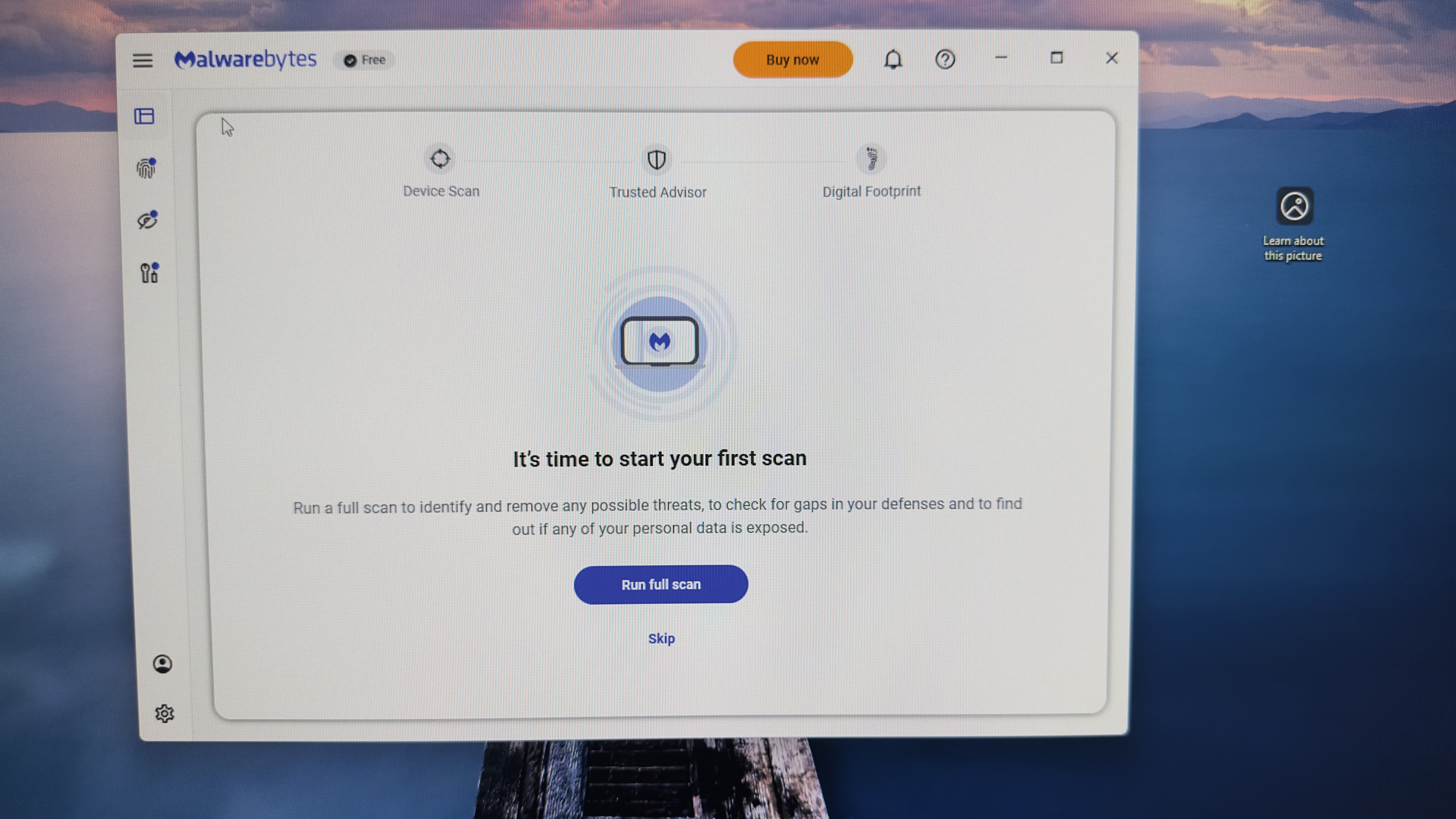
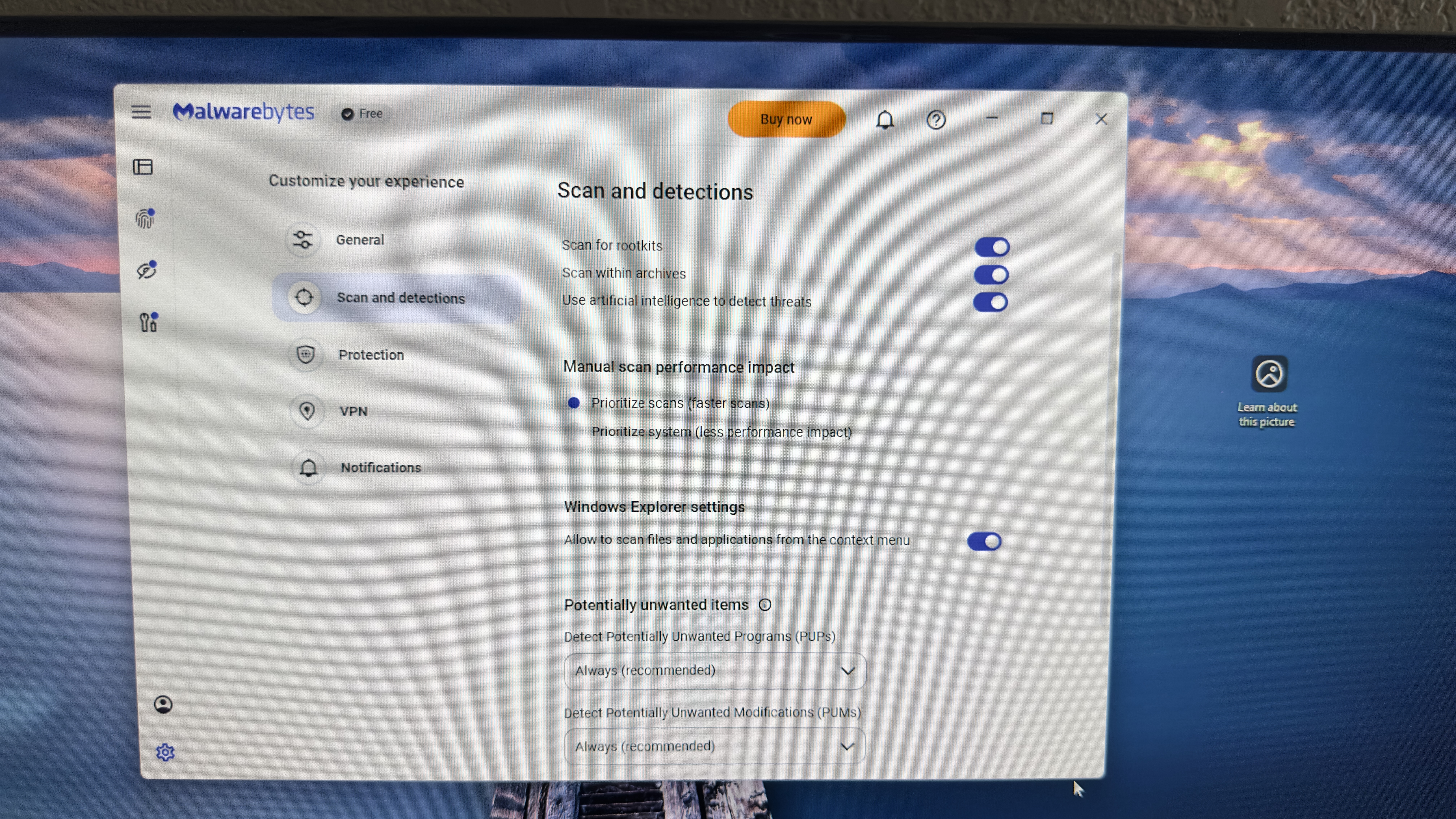
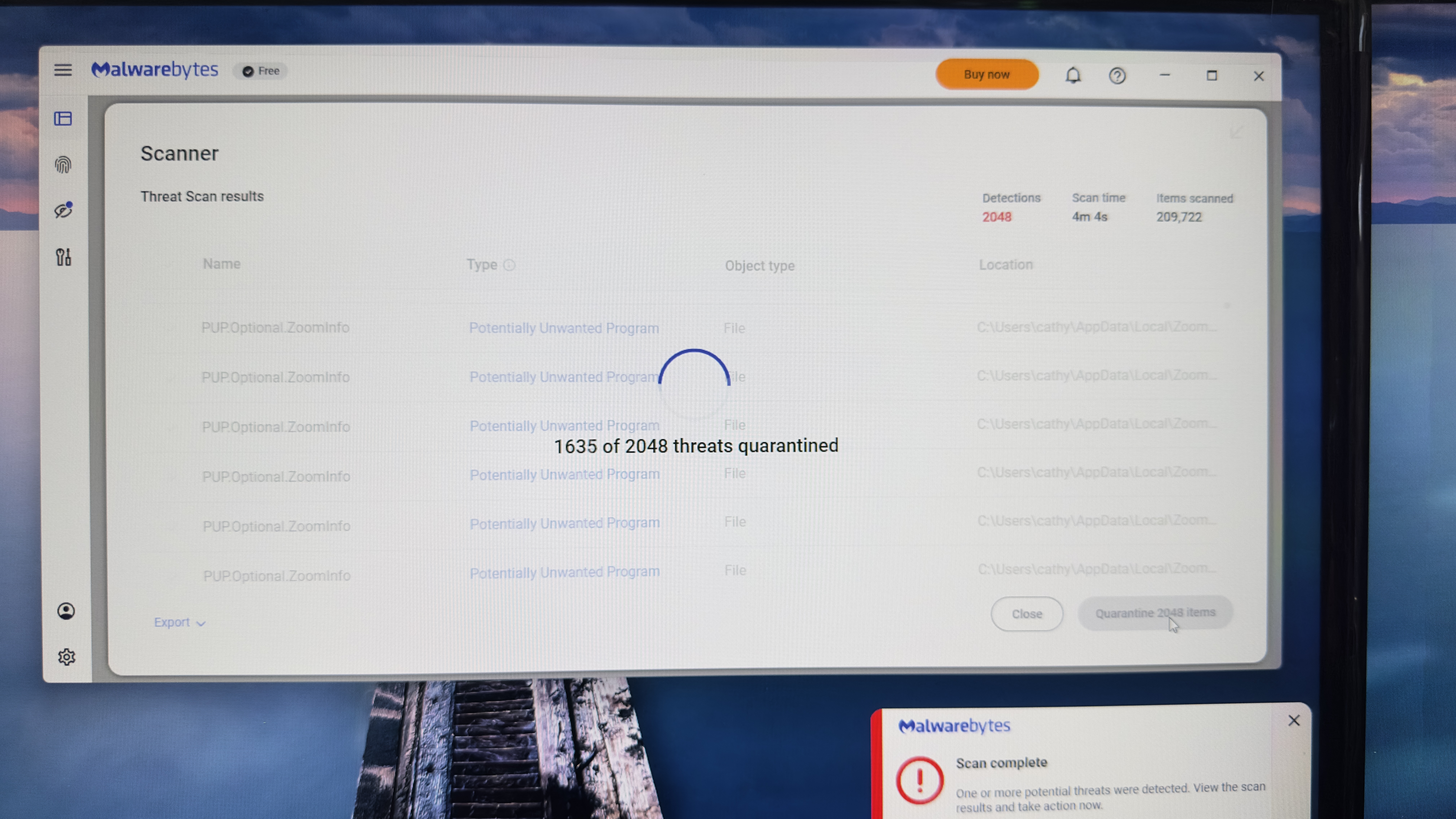
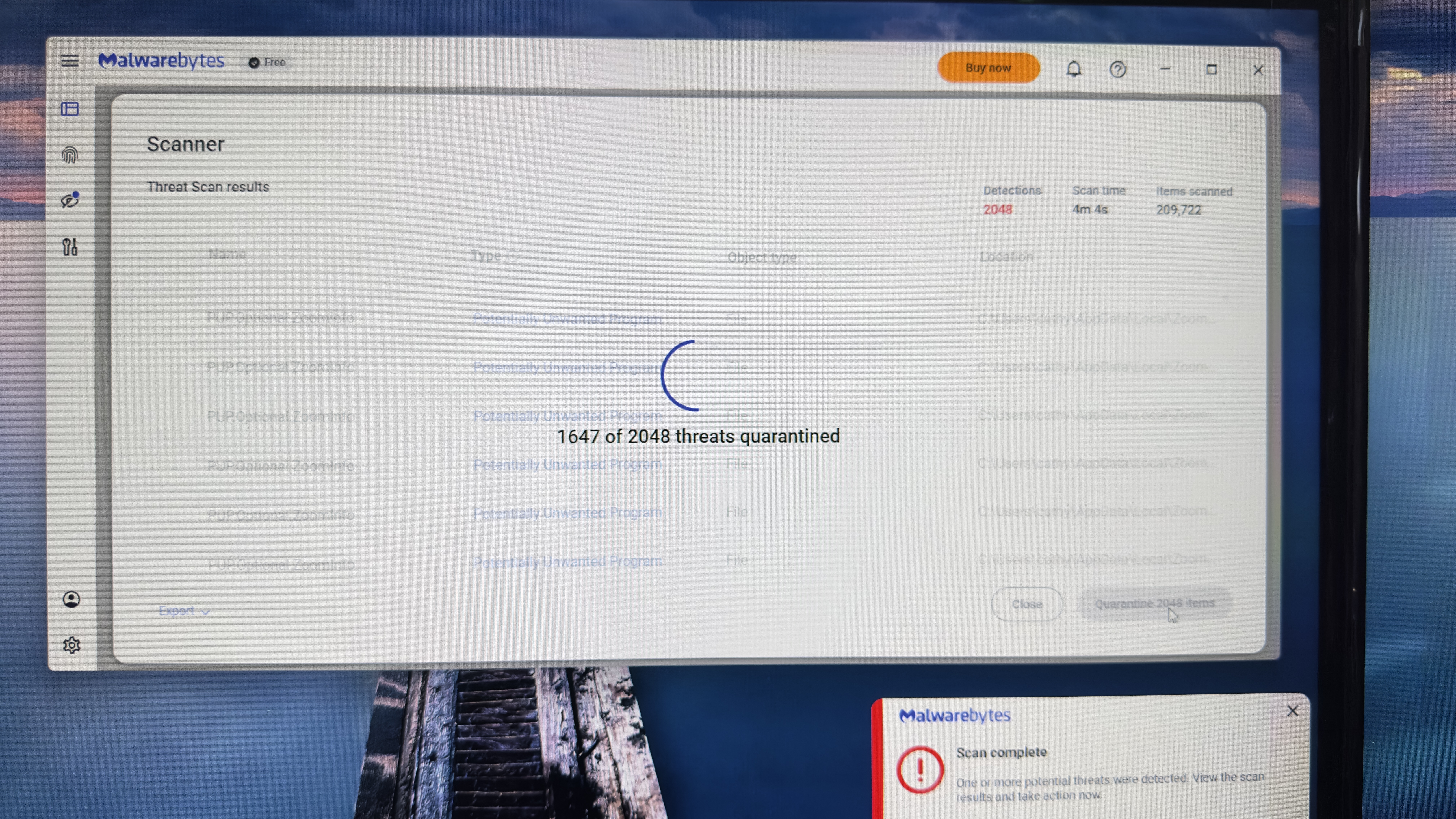
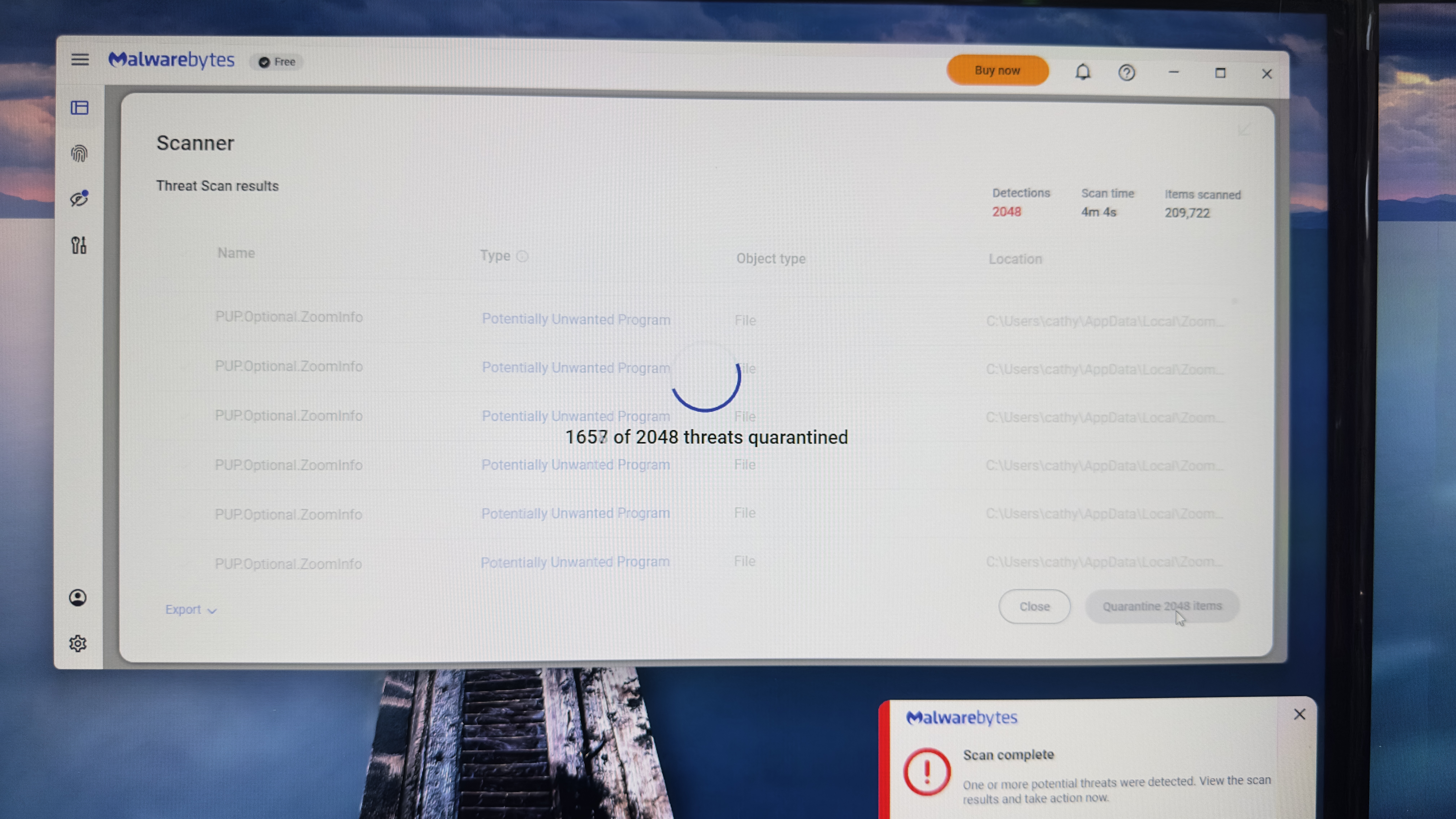
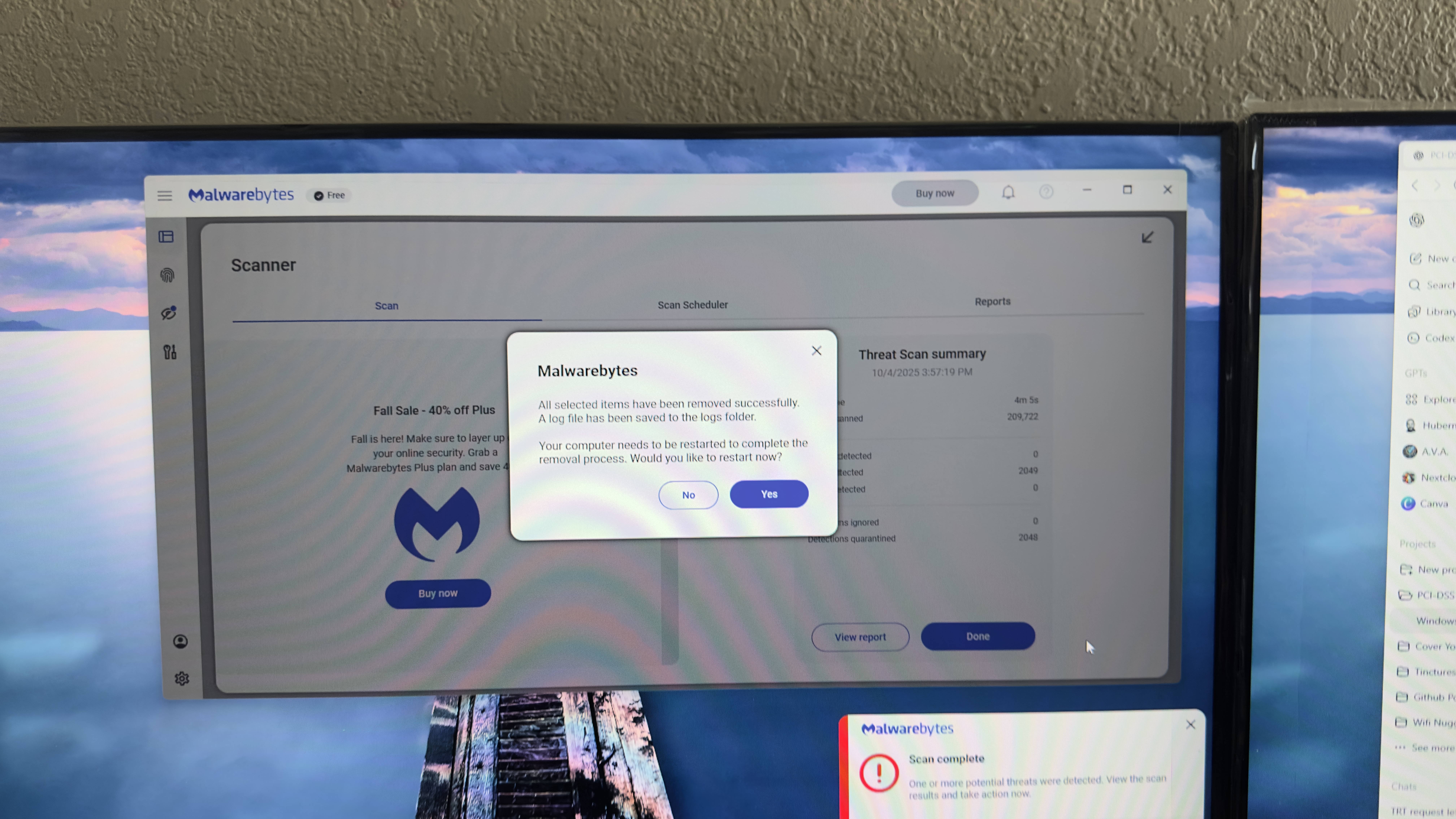
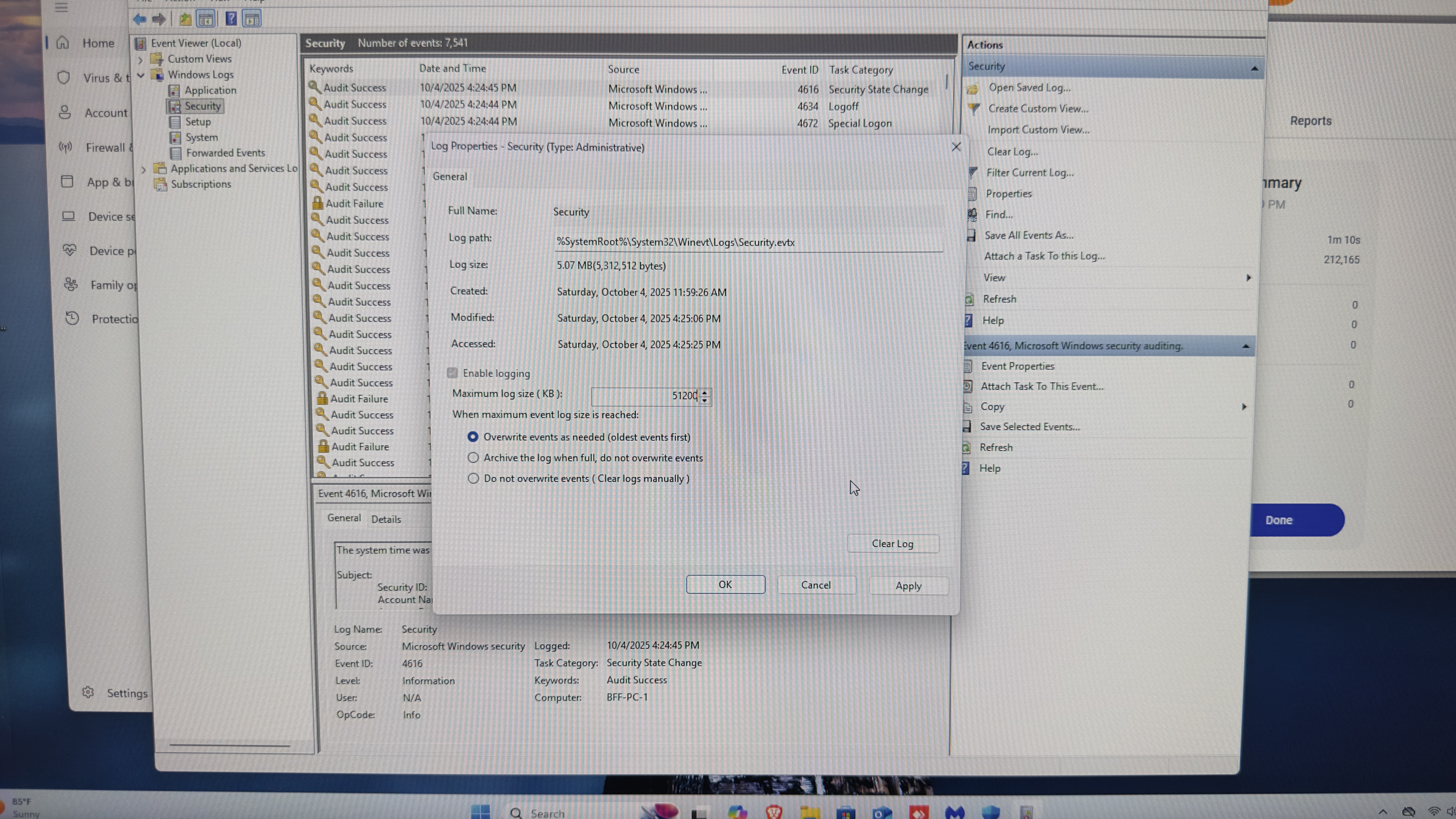
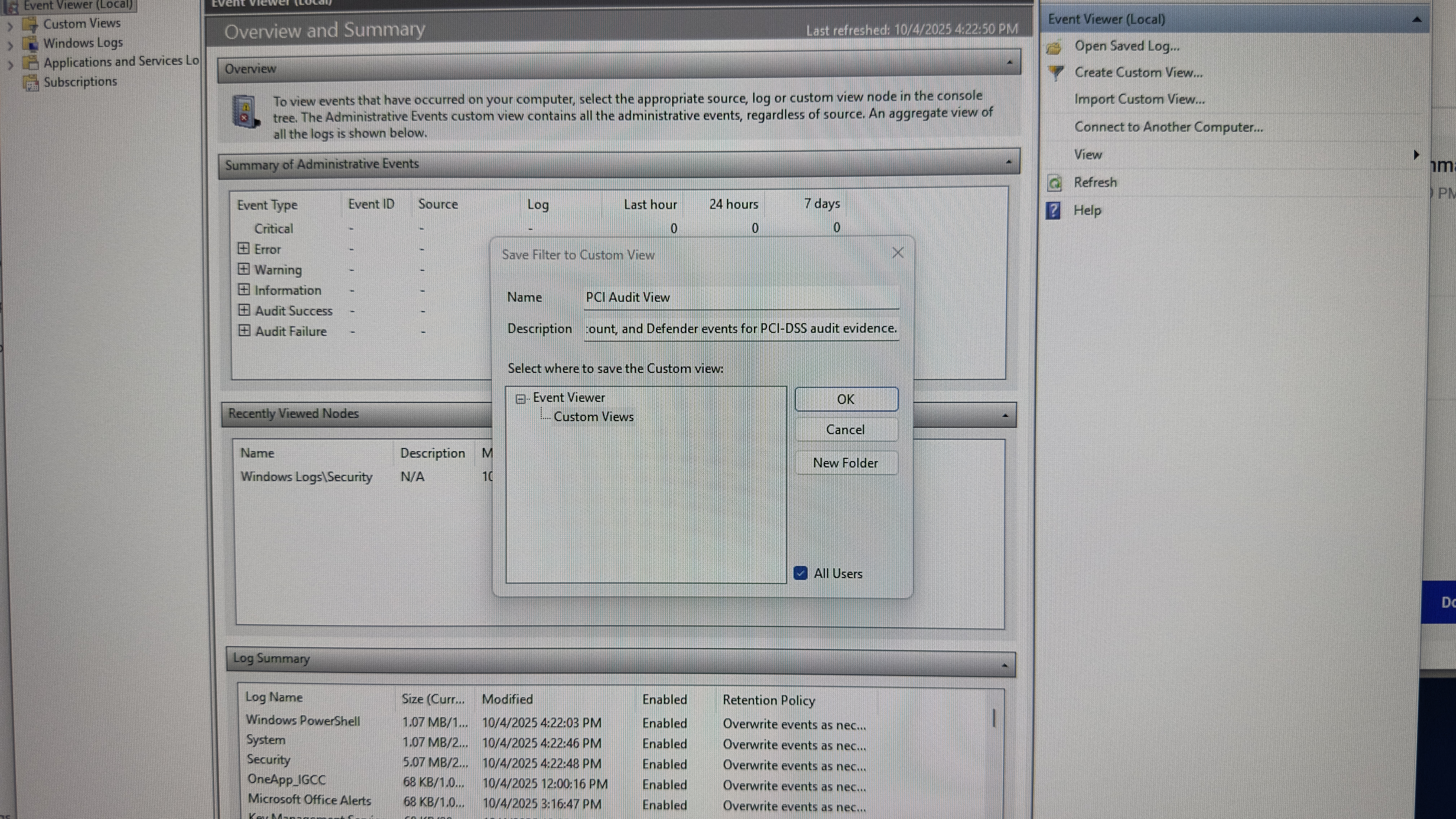
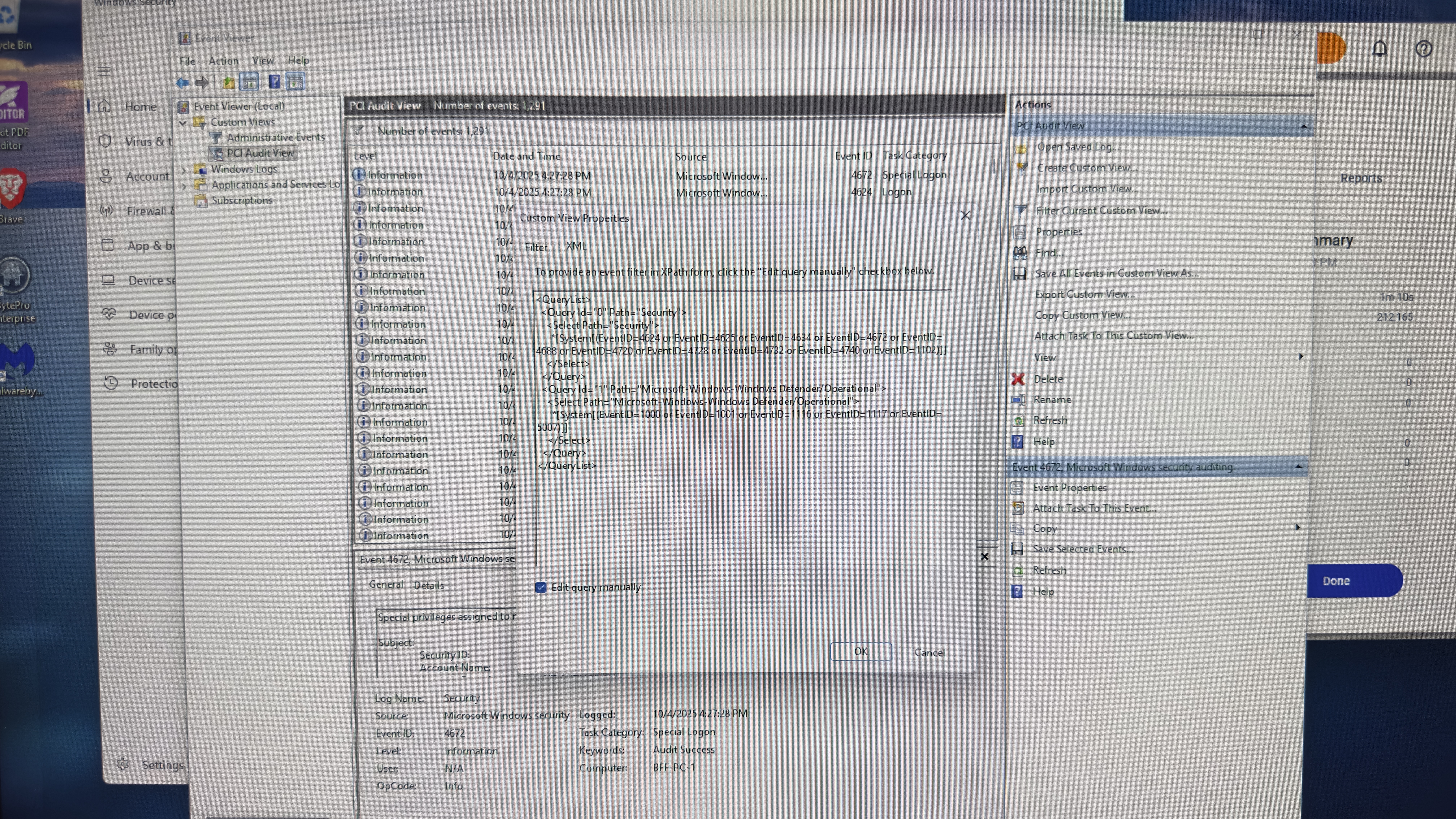
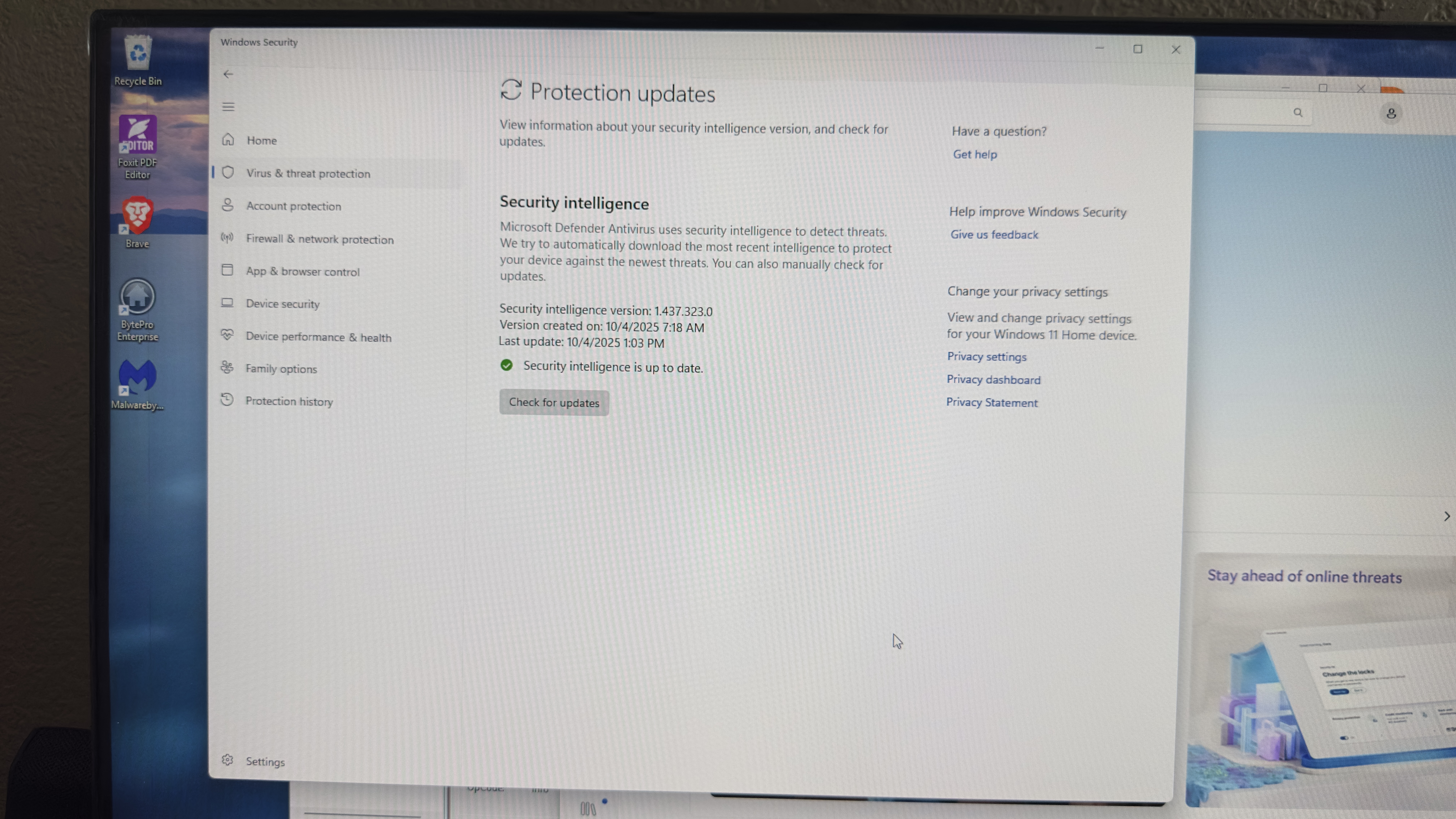
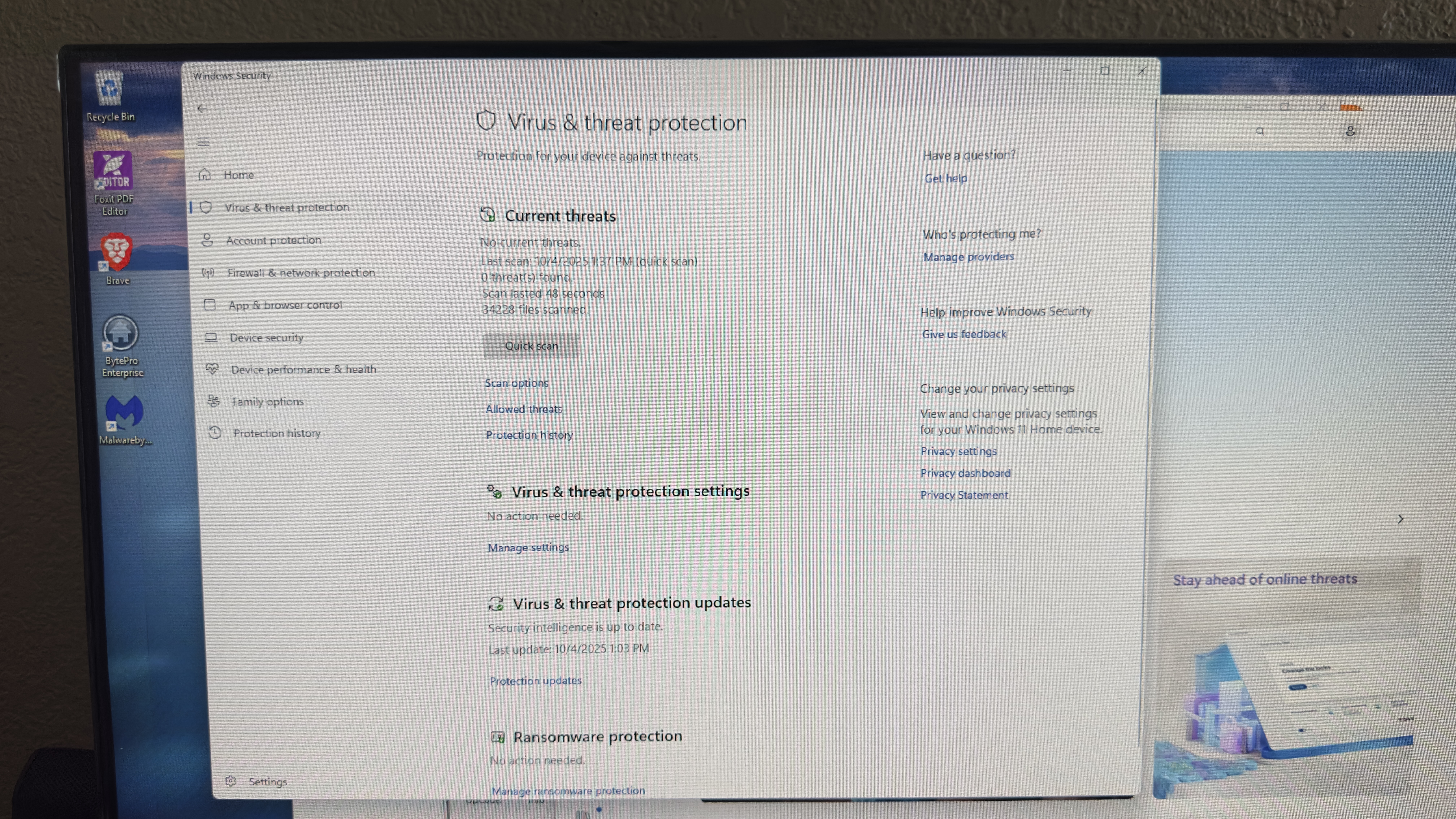
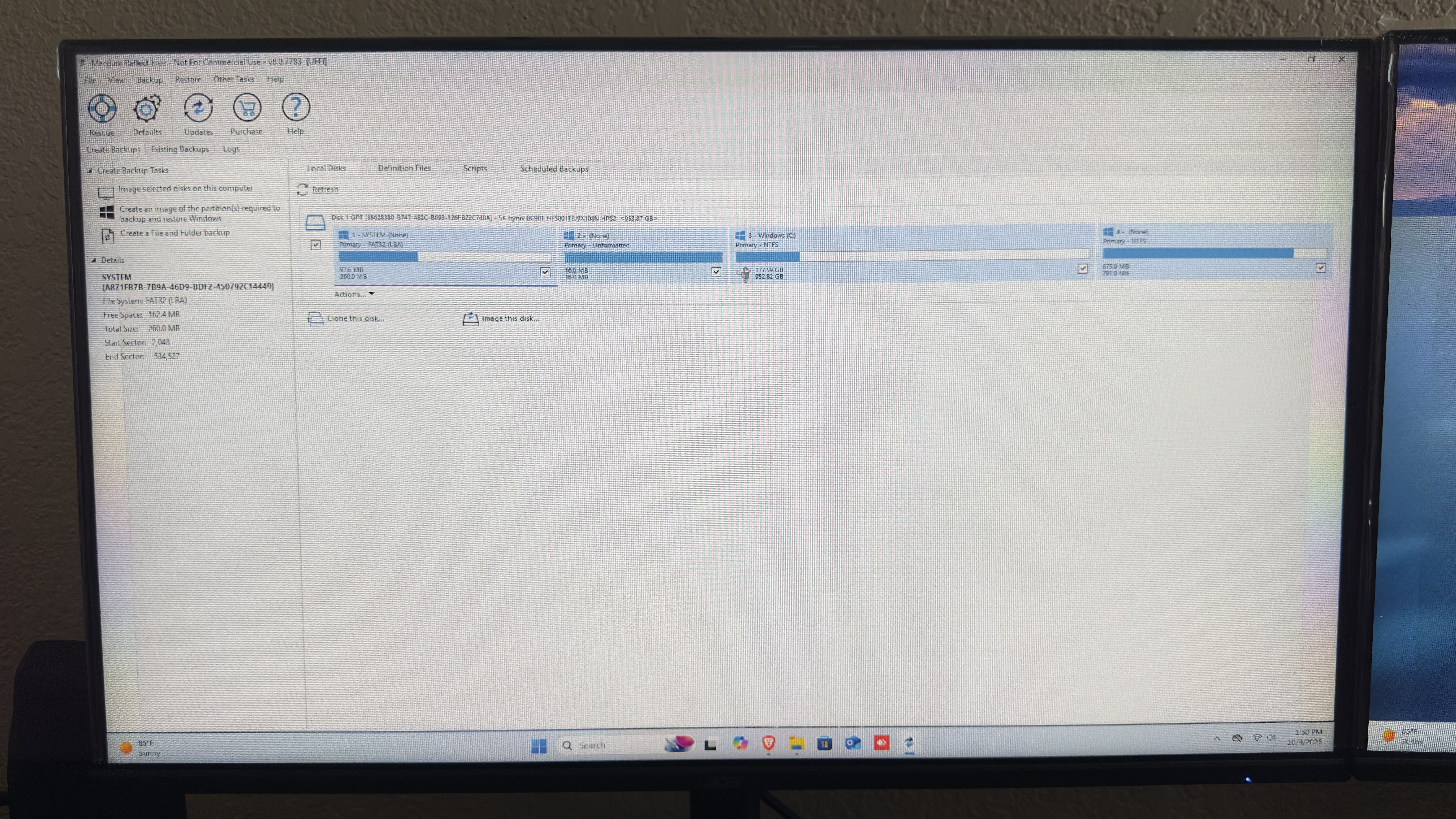
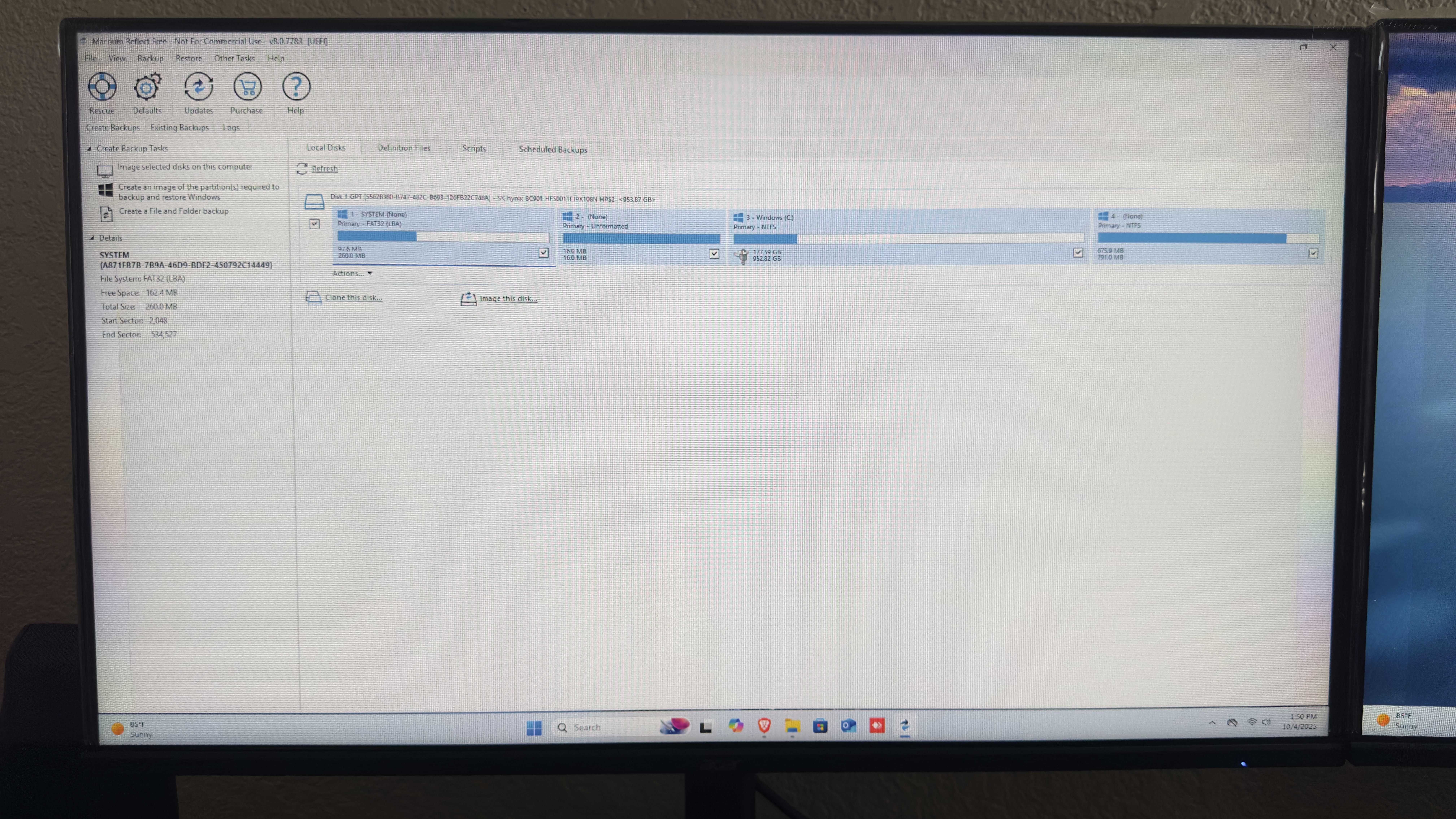
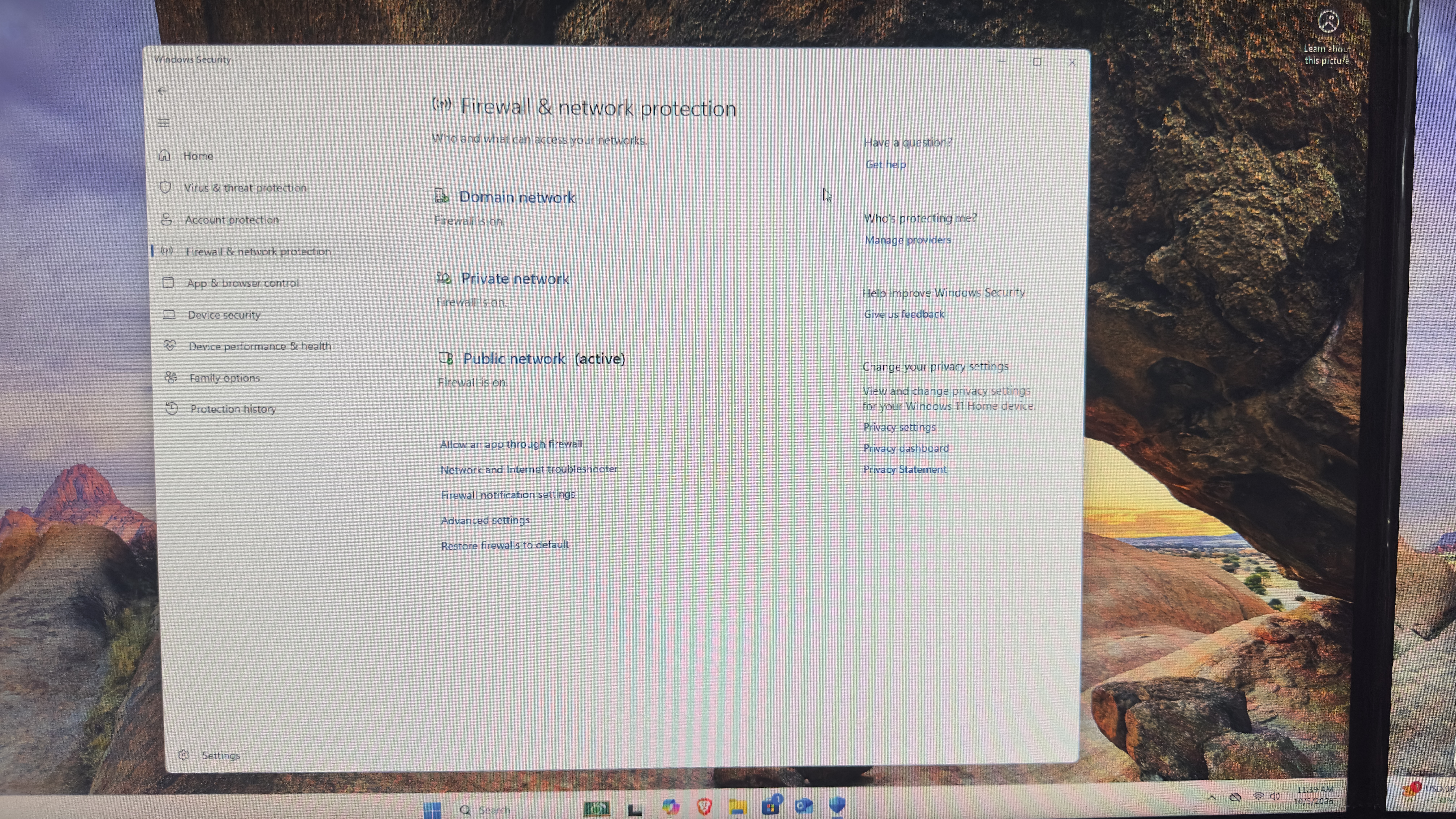
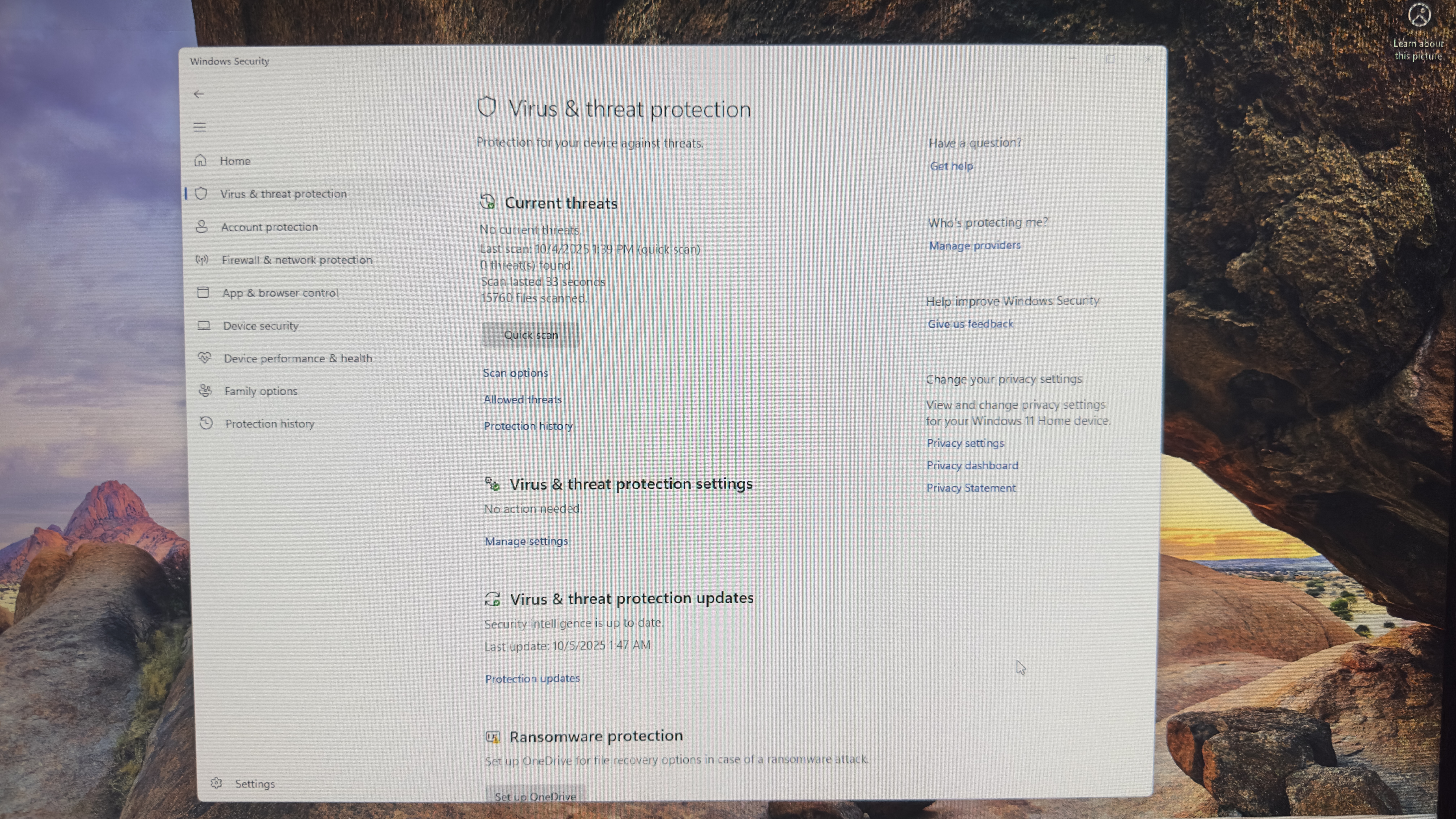
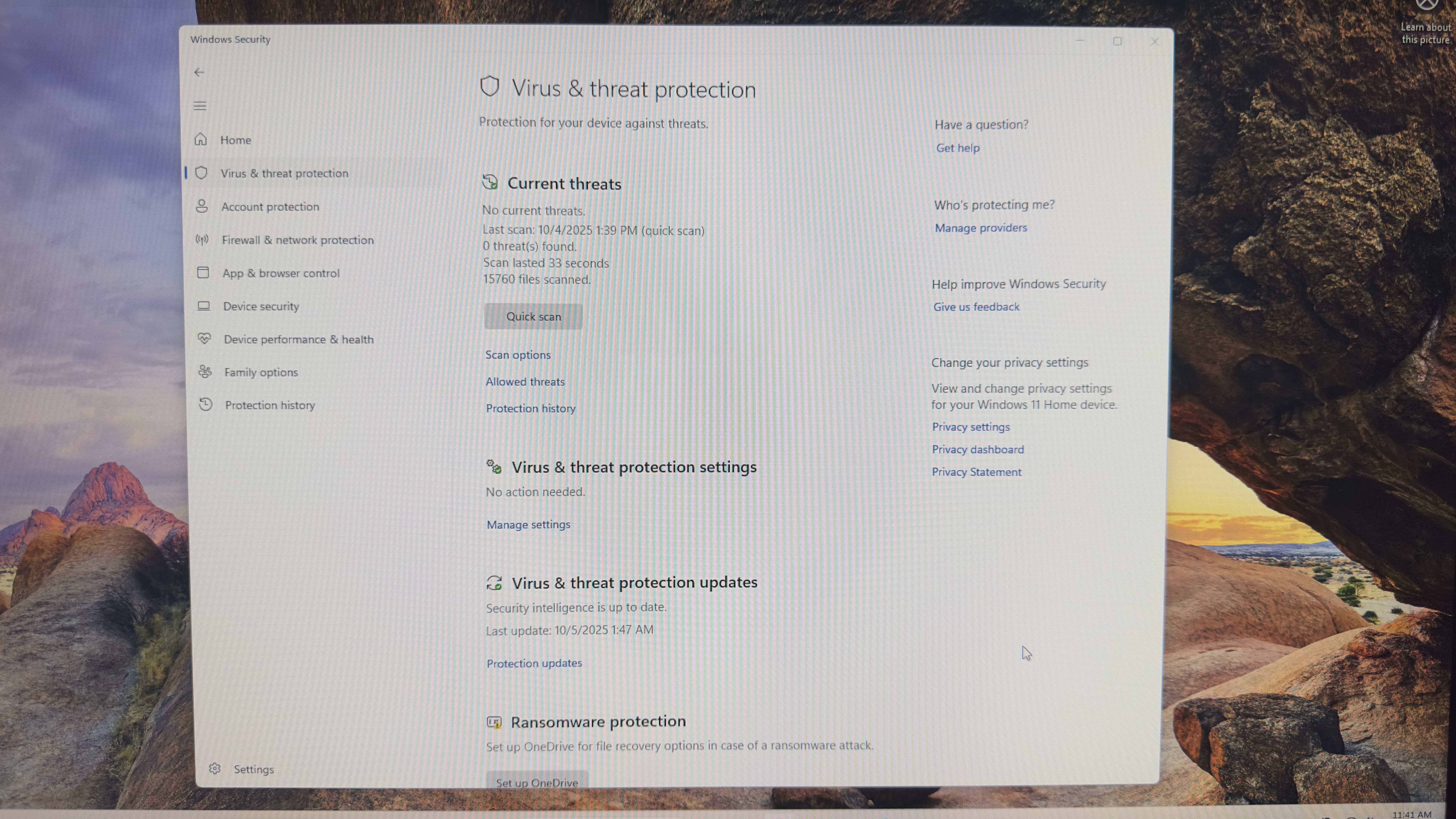
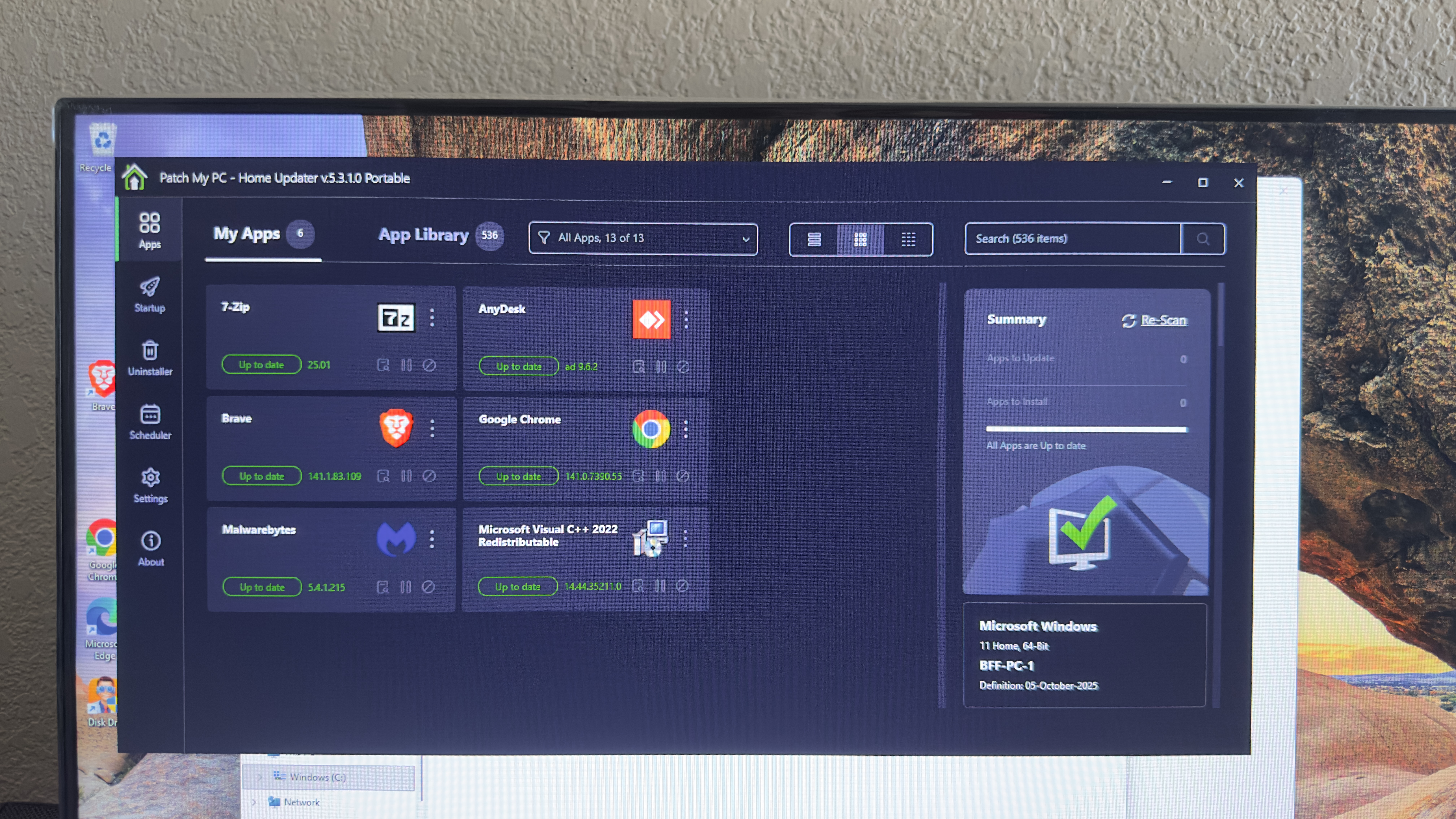
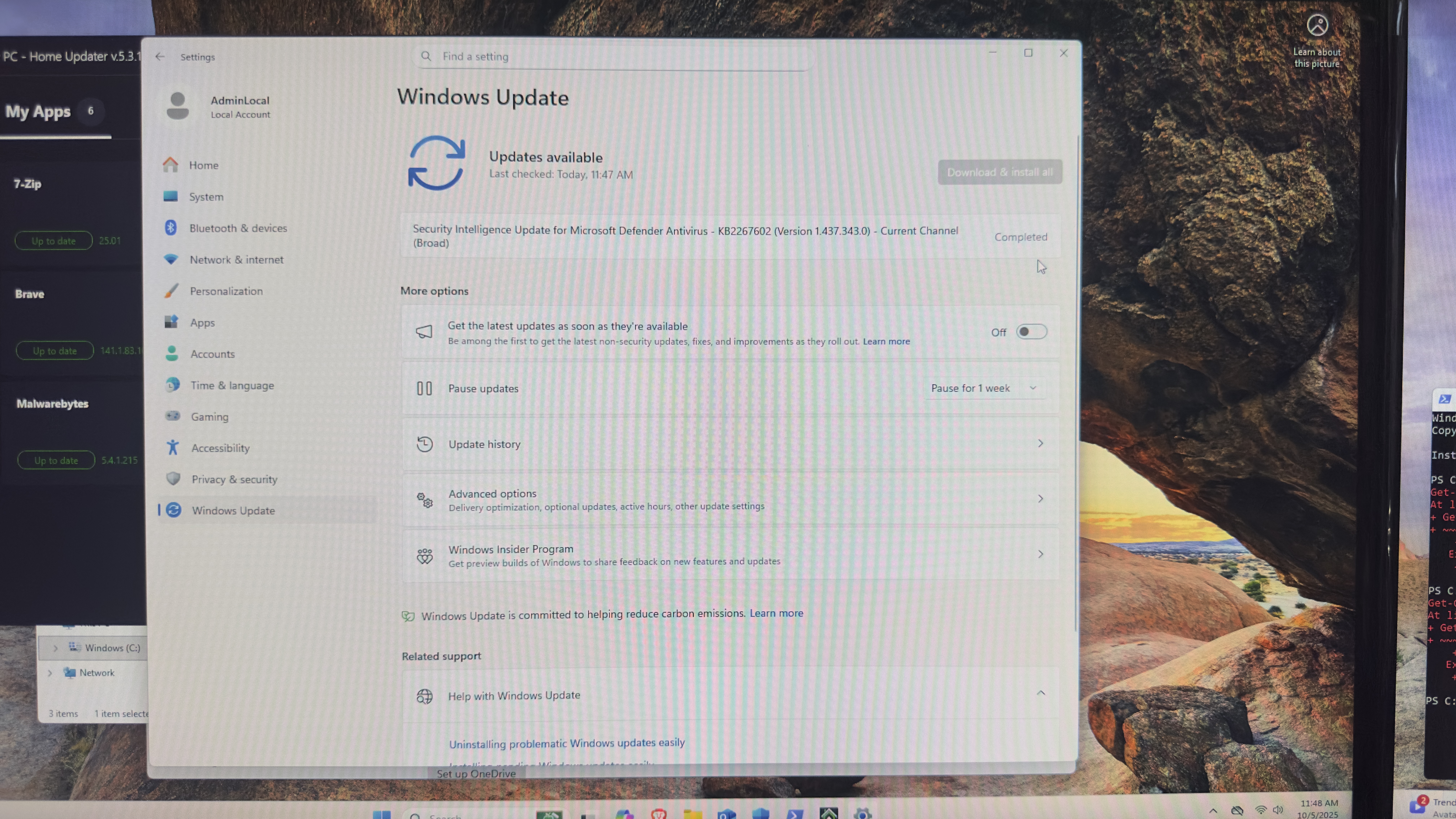
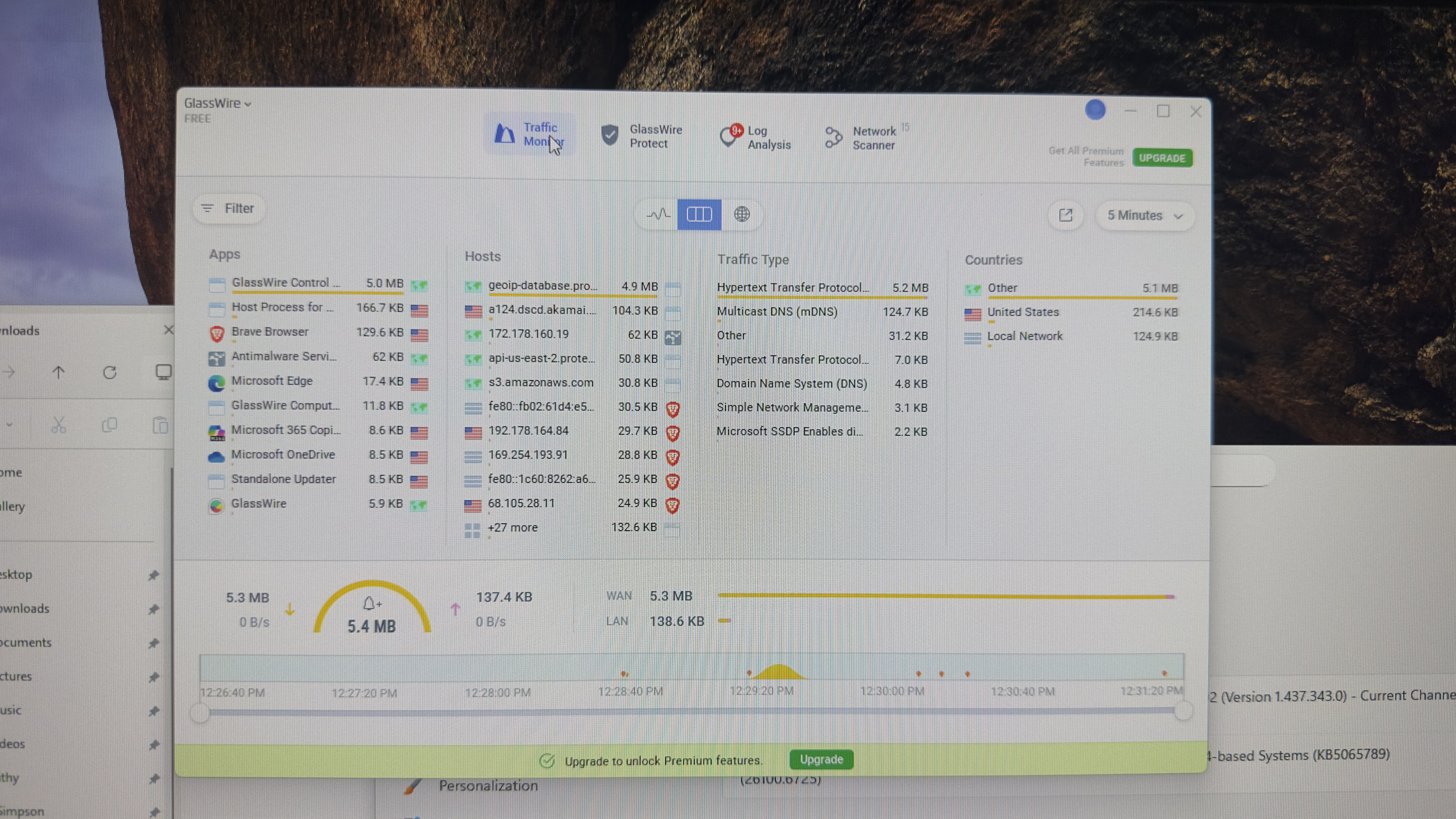
Figure: Grid gallery showing the complete PCI-DSS workstation hardening sequence — from baseline imaging through audit verification.